What to do when iPhone has a white screen?
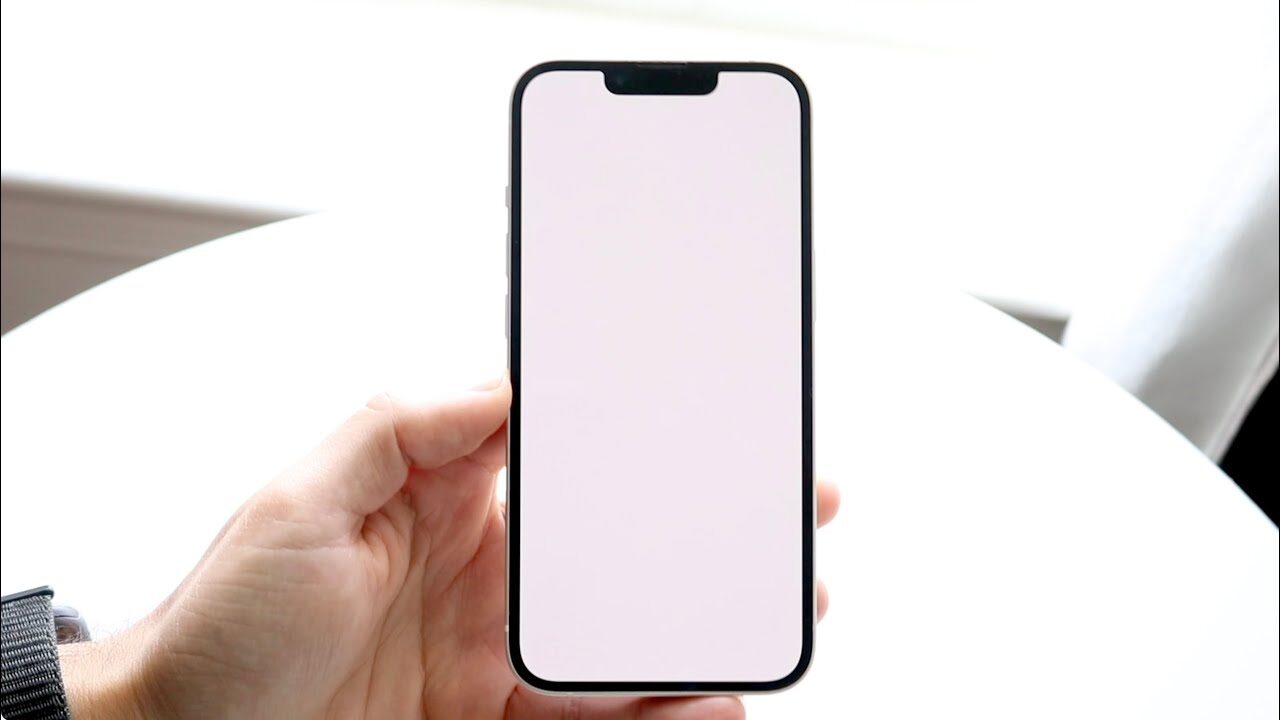
When the question arises what to do when the iPhone has a white screen, it is common for the user to panic and think that he has lost the device.
This problem, known as White Screen of Death, has varied causes, from software glitches to physical damage to the screen, and should be treated with care. , We have already attended to similar cases on a daily basis, reinforcing the importance of seeking a professional technical evaluation to avoid greater damage.
What are the main causes of white screen on iPhone?
The white screen often appears suddenly and most of the time, it prevents full use of the device. Among the most common causes are:
Operating system failures
Interrupted updates, internal errors, file corruption, or overheating can cause iOS to crash and turn your device completely blank. This happens mainly when the iPhone restarts on its own.
Physical damage to the screen
Drops, impacts, or compressions can break internal tracks and cause total display failure. As with notebooks where the screen can dim, scratch or crack, as shown in technical reference content, iPhones also show similar signs when there is physical damage.
Problems on the board
The white screen may be the result of a short or failure of internal components. This requires advanced diagnostics and professional equipment.
What to do when iPhone turns white? (step by step)
If you want to know what to do when your iPhone turns white, there are some safe tests that can be performed before seeking technical assistance.
As with notebooks, where some quick checks can be done before taking the device for repair, on the iPhone some simple procedures can solve.
1. Try a “forced reset”
The reset does not erase data. It just forces the internal components to reboot.
iPhone 8 or later: Short press Volume +, then Volume – and hold the side button for 10–15 seconds.
iPhone 7 / 7 Plus: Hold Volume – + Side Button at the same time.
iPhone 6 or earlier: Hold Home + Power simultaneously.
If the screen comes back, the problem was with the system.
2. Connect iPhone to charger
Low or faulty battery can cause boot failures. On laptops, battery problems also generate similar behaviour, such as unexpected shutdowns or no image screen, on the iPhone, this can reflect as a white screen.
3. Try to restore via computer (Finder or iTunes)
If restarting doesn’t work:
- Connect iPhone to computer
- Open iTunes (Windows) or Finder (macOS))
- Access Recovery Mode
- Select Update (not Restore, so you don’t lose data)
- If the error is software only, the system will be reinstalled without risk.
4. Check for signs of falling or impacting
In case you remember any recent impact, the white screen is probably physical and will not be fixed with resets. Similar situations happen in Dell notebook screen replacements, when cracks or scratches require complete replacement to get back up and running .
5. Seek specialised technical assistance
If none of the above works, the ideal is to take the iPhone for professional diagnosis. Only with specific equipment is it possible to identify:
- Short on the plate
- Oxidation
- Display failure
- Stuck Boot Cycle
- Broken trail
SmartCell Lab, in Mooca, is prepared to perform advanced tests, identify the real cause and return your iPhone safely working.
When the white screen indicates the need to change the iPhone screen?
The white screen does not always mean a software problem. In many cases, the screen is:
- Damaged by impact
- With burnt backlight
- With broken internal cable
- No communication with the board
As with the replacement of the housing or screen of Acer notebooks, where it is necessary to identify exactly which part is compromised before repairing , the iPhone also needs technical diagnostics to define whether the problem is with the display or the board, especially in situations where the question arises about What to do when the iPhone has a white screen, since the cause can range from failure in the visual component to more complex internal defects.
Signs that the screen should be changed include:
- Strong white light, but without image
- Crackles or spots that preceded the failure
- Device vibrating, but not displaying anything
- White screen right after fall
In these cases, only replacing the display solves it.
It’s worth trying to fix at home?
No. Unlike simple procedures such as changing the keyboard on Dell notebooks that can be done at home with care, the components of the iPhone are extremely delicate.
Opening the appliance without proper tools can: damage the shield, break internal cables, burn the board, invalidate internal seals, and increase the cost of repair.
To avoid losses, the recommendation is to seek professional support.
Why take your iPhone with a white screen to Smart Cell Lab in Mooca?
If you are faced with the question “what to do when the iPhone has a white screen?”, we have the right answer: Smart Cell Lab is a reference in iPhone screen replacement\. Among the differentials are:
- Technicians specialised in microelectronics
- Fast and accurate diagnosis
- Warranty board and screen repair
- High quality parts
- Transparent service
- Reduced repair time
In addition, you receive complete monitoring of the state of your iPhone and guidance to prevent the problem from happening again.