iPhone Screen Repair: Common Problems and Solutions
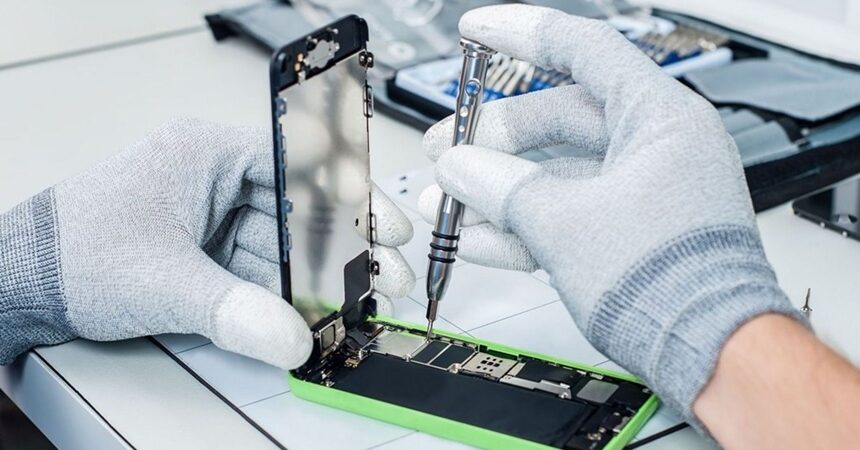
iPhone screen repair . You will learn to identify visible signs such as a cracked screen and damaged glass. You will see functional signs: unresponsive touch and dead spots. You will know when to seek technical assistance to avoid making things worse. You will understand the options: original or compatible parts, glass replacement only or complete screen replacement. You will learn to choose between price and quality. You will discover where to repair and how to prepare your device: back up your data, remove passwords, and disable Find My iPhone. You will know the essential questions for the repair service before the repair.
Key Conclusions
- Back up your iPhone before repair.
- Choose authorized service centers to maintain your warranty.
- Use genuine parts to avoid screen and touch screen malfunctions.
- Test the display, touch screen, and camera immediately after the repair.
- Compare prices and technician reviews before choosing.
How to identify if your iPhone needs screen repair.
Your iPhone speaks volumes through its screen. If you see cracks, dark lines, or scratched-looking glass, it’s a sign of a problem. Small cracks can grow over time and with the heat of your pocket.
Before panicking, gently press the affected area. If the glass moves or comes loose, stop using it and protect the screen with a screen protector or tape until you take it for repair — this prevents cuts and dust from getting in. Remember: iPhone screen repair isn’t just about aesthetics; a damaged screen can expose internal parts to dust and moisture, shortening the device’s lifespan and increasing repair costs.
Visible signs: cracked screen and glass damage.
If the screen looks like a spiderweb or has loose pieces, it’s more than just a visual problem. Shattered glass can cut your fingers or allow dirt to get inside the device. In strong impacts, you may notice dark spots or areas without an image.
Another clue is irregular reflection when tilting the device. If the image pulses or you see bubbles under the glass, the inner layer may be damaged. For your safety, avoid pressing on it and keep the device switched off until a technical evaluation is performed.
Visible signs to watch out for:
- Cracks that go all the way through the screen.
- Loose pieces or missing glass
- Dark spots or areas without an image.
- Uneven reflection or bubbles on the screen.
Functional signs: touch not working and dead spots.
When the touch screen fails, you lose control of the device. Unresponsive touches, actions that occur on their own (ghost touch), or points that don’t register contact are signs that the digitizer or connector may be damaged. Sometimes a restart solves the problem, but if it returns, it’s time to seek help.
Pay attention to brightness issues, distorted colors, or horizontal lines — these symptoms may indicate damage to the display layer and require screen assembly replacement. Continuing to use the product may worsen the defect and damage other components.
When to seek technical assistance to avoid making the problem worse.
Seek immediate technical assistance if the touch screen persistently fails, if internal components are exposed, or if liquid has entered the device. Back up your device and turn it off if there is a strange smell or overheating. Take your iPhone to an authorized service center or a qualified technician to prevent a simple repair from becoming a bigger problem.
Repair options and screen replacement parts
When considering iPhone screen repair, you have three options: an original Apple part, a good quality compatible part, or a cheaper but questionable solution. Each route affects the price, warranty, and the risk of losing features like True Tone and Face ID.
In practice, the original part usually comes with a longer warranty and a perfect match in color and feel. Authorized repair shops replace the entire module, preserving sensitivity and calibration. Compatible parts vary: some are almost identical; others lose brightness, touch response, or have misaligned edges.
The cost and repair time also vary: a complete replacement is usually faster and more expensive; a glass replacement may be cheaper, but it takes longer and carries a risk of future failure. Before deciding, consider the value of the device, how long you intend to keep it, and whether you want a formal warranty.
iPhone display replacement: genuine Apple part vs. compatible part
The original Apple part offers a perfect fit, identical colors, and brightness. At an authorized service center, you retain features like True Tone and screen calibration. The downside: higher price and sometimes a wait for availability.
A compatible part is a cheaper and faster alternative. Some are excellent; others leave something to be desired in terms of brightness, contrast, and touch response. If you choose this route, ask about the origin of the part, request a written guarantee, and test everything in front of you.
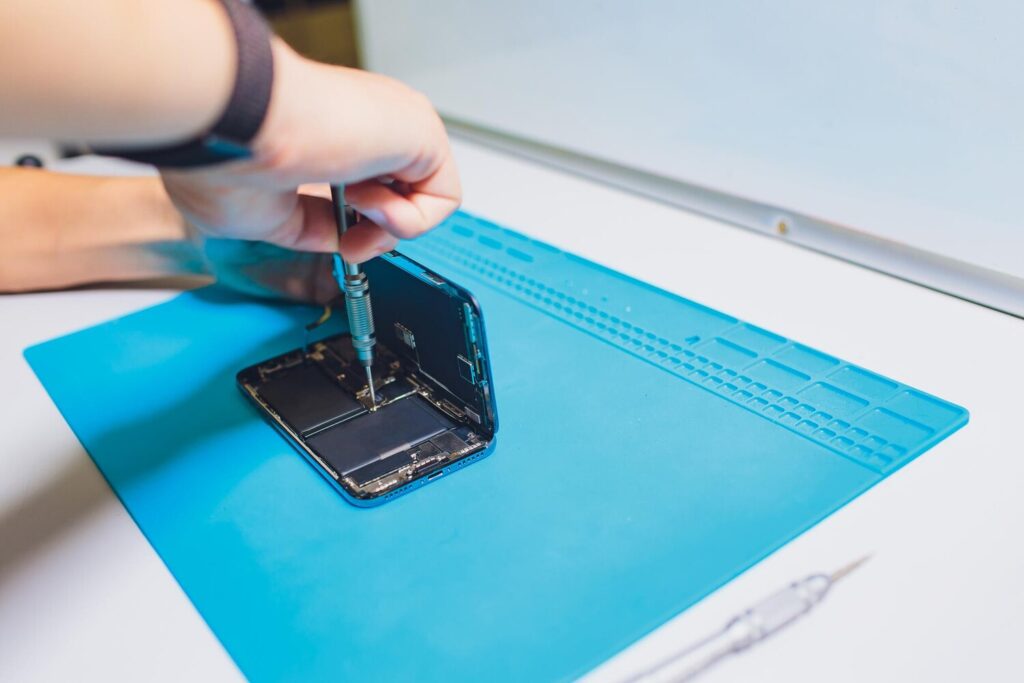
Glass replacement or complete screen replacement: what changes in the repair?
Replacing the glass keeps the original LCD/digitizer panel and only replaces the glass layer. It’s cheaper, but requires skill: heating, separating, and gluing can damage the display if done incorrectly.
A complete replacement substitutes the entire module — glass, display, and digitizer — with a new part. It’s more expensive, but safer and faster. When done with an original part, it maintains advanced functions and reduces the risk of future failures.
How to choose between price and quality before service.
Weigh price versus quality by considering three items: warranty, on-site testing, and the origin of the part. Always ask for a written warranty, test the screen in person (touch, brightness, Face ID/Touch ID, sensors), and prefer repair shops that allow you to try the device before leaving. If your budget is tight, negotiate a longer warranty.
Quick checklist before finalizing the service:
- Ask for a written guarantee.
- Test touch, brightness, and Face ID/Touch ID.
- Ask about the origin of the part and the repair time.
Where to repair iPhone screen and how to prepare your device.
You have two main routes to an iPhone screen repair: Apple authorized service or a trusted independent repair shop. Authorized service uses genuine parts, maintains warranty records, and offers more security if the device is still under warranty. Independent repair shops may be faster and cheaper, but the quality of parts and workmanship varies—so do your research beforehand.
To choose, consider what’s most important: warranty and original parts, or price and speed. If the screen is shattered and you use your iPhone for work, an authorized service center might be the safest option. If you need your phone that day, a certified repair shop with good reviews can solve the problem quickly.
How to find reliable technical support
Start with real reviews: read comments, look at photos of repairs, and ask in local groups. Look for repair shops that publish certificates, invoices, and written warranties. If the shop is an authorized Apple repair shop, this information is usually available on Apple’s website.
Speak to the sales representative before taking the device in. Ask about lead times, parts used, testing procedures, and written warranty. If anything sounds vague, go elsewhere.
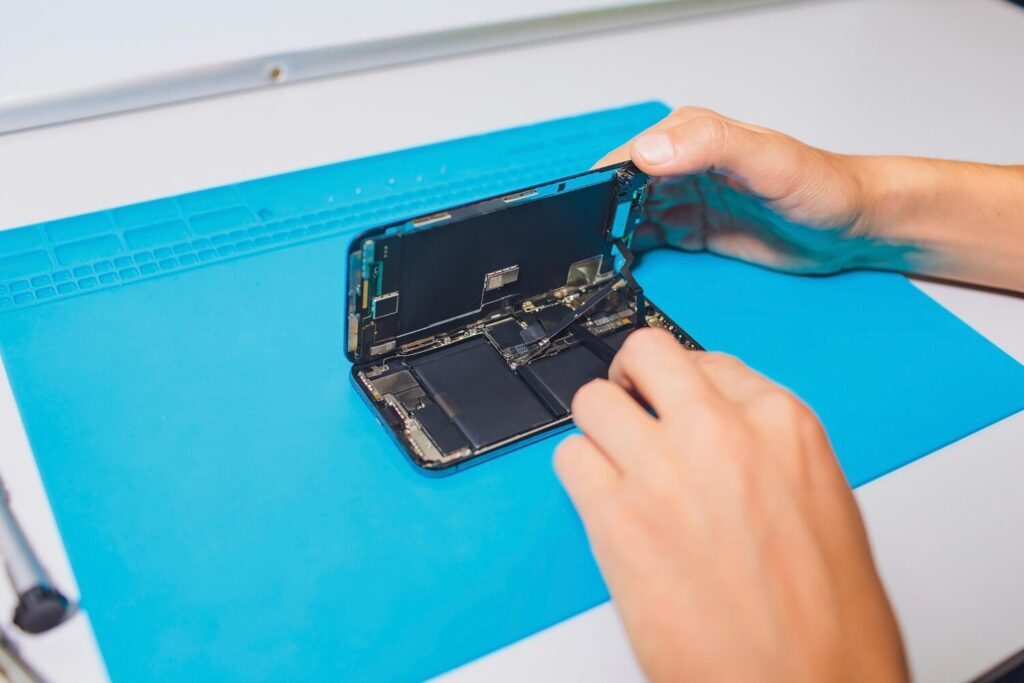
Checklist before repair: backup, remove passwords, and disable Find My iPhone.
Before handing over your iPhone, make a full backup and save important photos elsewhere. Remove passwords and accounts, and if the service center asks, disable Find My iPhone. This prevents lockouts and speeds up the process.
Quick steps:
- Back up your essential files to iCloud or iTunes/Finder and confirm them.
- Temporarily remove your password/Face ID and sign out of iCloud; disable Find My iPhone when prompted.
- Remove the SIM card, accessories, and case; note the serial number and take photos of the device’s condition.
These precautions prevent data loss, liability issues, and unnecessary delays.
Essential questions you should ask during repairs.
Ask: “Do you use original parts?”, “What is the warranty for the service and parts?”, “Does the repair cover collateral damage?”, “Do you test the device in front of me?”, “Do you have a written estimate?” — and ask for an exact timeframe. Good service responds clearly and with documentation.
Conclusion
You already have the map in hand: observe the visible and functional signs, back up your data beforehand, and carefully choose between authorized service or a trusted technician. Opt for original parts when you want more security; understand that a complete replacement costs more but reduces risks, while a glass replacement can be economical—but requires care. Ask for a written warranty, test the device in front of you, and ask essential questions before handing over your iPhone.
Don’t let a small crack turn into a big problem. Acting quickly is often the best choice. Want to learn more? Read more articles at https://mobilefixpro.co.za/
Quick tips on iPhone screen repair
- Protect the screen with a film until it’s repaired to prevent cuts and dust.
- If there are signs of liquid or odor, turn off the appliance and seek assistance immediately.
- When you remove the device, test everything: touch, brightness, cameras, and sensors.
Frequently Asked Questions
- How much does it cost to repair an iPhone screen?
It depends on the model and the part (original or compatible). Request a quote beforehand to know the exact price. - How long does iPhone screen repair take?
Generally, 30 minutes to 2 hours; many repairs are done on the same day. - Will I lose my data during iPhone screen repair?
Usually not, but make a backup. This way you avoid surprises. - Can I repair my iPhone screen at home (DIY)?
Not recommended. You could worsen the problem and void your warranty. - Does the repair service use genuine parts when repairing iPhone screens?
Always ask. Genuine parts cost more, but they protect your device.