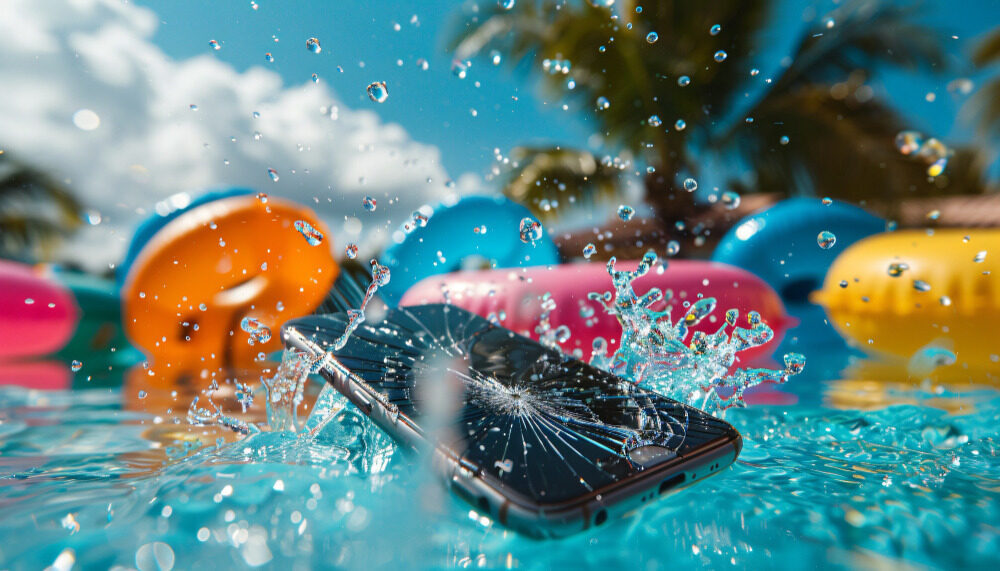
It happens in the blink of an eye. A slip on the sink, a fall in the pool, or the dreaded splash in the toilet. This sudden wave of panic is universal; your entire digital life, from irreplaceable photos to essential work contacts, is suddenly submerged.
At Cell Medics, we see this every day. While your first instinct might be to frantically press buttons or grab a bag of rice, the moments immediately following liquid exposure are the most critical. Staying calm and following a proven first aid protocol can be the difference between a simple accident and a severe allergic reaction, device repair , and permanent loss. This guide will walk you through the essential steps for recovering from water damage to cell phones, maximizing your chances of recovery.
The first 60 seconds are crucial.
What should you do when a cell phone falls into water? Speed is key, but the right speed is even better. The goal in the first minute is to stop the flow of electricity and prevent moisture from penetrating the logic board.
Turn it off immediately – No exceptions.
Water itself doesn’t usually damage a cell phone; what does damage it is the electricity that passes through the water. When a liquid comes into contact with a live circuit, it causes a short circuit, which can instantly burn out sensitive components.
- Action: Turn off the device immediately.
- Note: If the screen is unresponsive, force a restart by pressing and holding the power button until the screen goes black and remains black. Do not attempt to check if the problem persists; keep the device switched off.
Remove whatever you can: SIM card, SD card, and case.
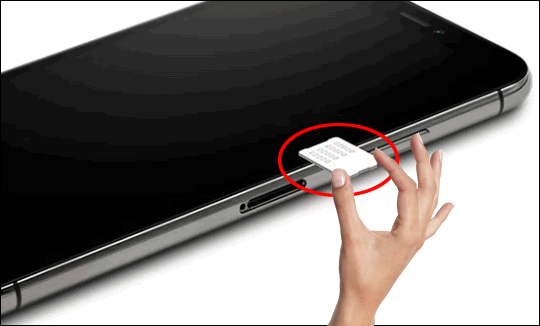
Accessories and trays act as moisture traps.
- The case: Remove it to allow the outside of the phone to breathe.
- The trays: Use a paperclip or a tool to remove the SIM card and SD card. This opening also provides a small vent for internal pressure and moisture to escape.
What NOT to do (Common myths debunked)
In their haste to repair a water-damaged cell phone, many people resort to “internet tips” that can actually worsen the problem.
Why rice doesn’t really work
The “rice myth” is perhaps the most persistent and dangerous piece of advice that exists.
- Inefficiency: Rice is a poor desiccant; it doesn’t remove moisture from the deeper parts of the phone.
- Contamination: Rice introduces fine starch and dust into the charging ports and speakers, which can turn into a “goo” when mixed with water, making professional cleaning of water damage very difficult.
Other dangerous DIY mistakes you should avoid.
- Hair dryers: Excessive heat can melt the adhesive seals that make your phone water-resistant and warp the screen.
- Shaking the device: This simply pushes the water droplets deeper into the internal hardware.
- Charging instructions: Never plug a wet cell phone into a charger. This is the quickest way to cause a catastrophic short circuit.
How to properly dry and store your device.
After turning off the phone and removing all accessories, your task is to stabilize it until you can take it to a technician for water damage repair in Canada.
The correct way to dry the exterior.
Use a soft, lint-free cloth (such as a microfiber cloth) to gently absorb excess water without rubbing. Tilt the phone so that the charging port is facing down, allowing gravity to remove any water that has accumulated through the most accessible opening.
Silica gel packets: a better alternative to rice.
If you have those silica gel packets labeled “Do Not Ingest” that come in shoe boxes or new electronic devices, use them! Placing your cell phone in an airtight container with several silica gel packets is much more effective at absorbing moisture from the environment than rice or cat litter.
Why water damage worsens over time – The science behind it
You might be tempted to turn your phone back on if it seems dry after a few hours. However, the real threat is invisible.
How corrosion silently destroys the internal components of your cell phone.
Water contains minerals and impurities. Even after the liquid evaporates, these minerals remain on the motherboard, reacting with oxygen and forming corrosion. This greenish, crusty oxidation corrodes the traces of metal on your phone’s chips. That’s why a phone can work for two days after falling into water, only to “mysteriously” stop working on the third day.
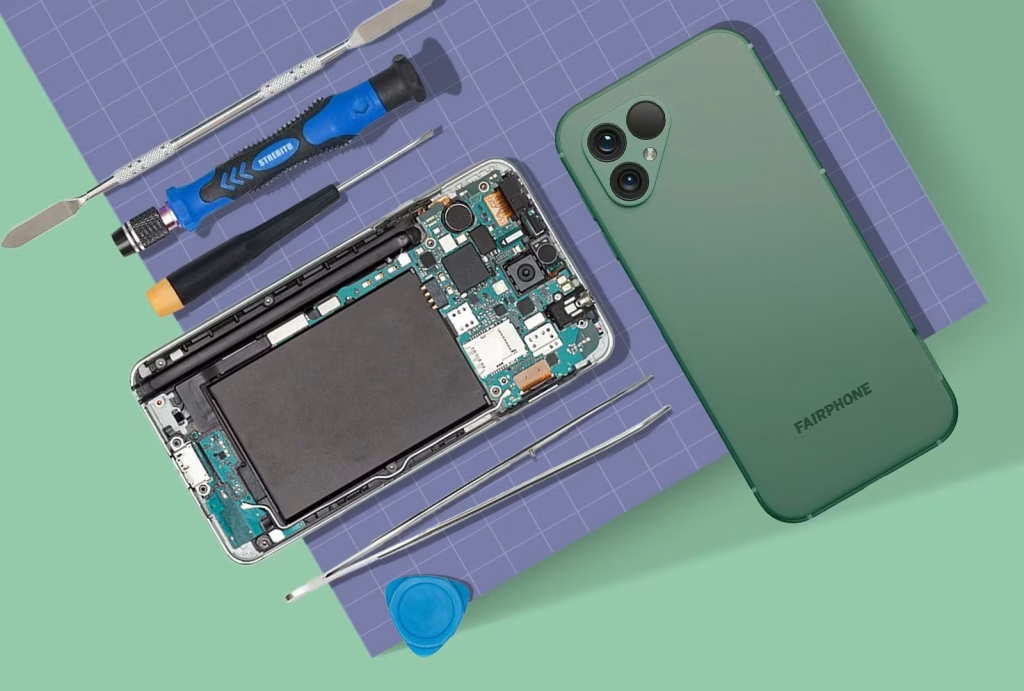
What does the liquid damage indicator sticker tell technicians?
Almost all electronic devices have liquid damage indicator (LDI) stickers. These small white dots turn bright red or pink when they come into contact with moisture. When you bring your device to Cell Medics, our technicians check these stickers first to determine exactly how far the water has penetrated.
Recognizing the symptoms of water damage that you shouldn’t ignore.
If you didn’t see the splash, but suspect moisture, watch out for these symptoms of water damage to your cell phone:
- Camera fog: Moisture trapped behind the lens.
- Audio problems: Muffled speakers or a microphone with “underwater” sound.
- Ghostly Touch: The screen moves or types on its own.
- Overheating: A sign of a small short circuit that causes the battery to work excessively.
When is it time to call the professionals?
While home remedies are great for first aid, they rarely solve the problem completely. The real solution requires opening the device.
What exactly does professional water damage cleanup entail?
At Cell Medics, we perform specialized repairs for water damage on iPhones and Samsungs using ultrasonic cleaners. These machines utilize high-frequency sound waves in a chemical bath to vibrate and remove corrosion from the motherboard, something that no amount of air drying can achieve.
Is it possible to repair a cell phone damaged by water?
Yes! It’s a common misconception that water damage is an automatic death sentence. If you turn off your phone immediately and take it for professional cleaning within 24-48 hours, the success rate for recovery is surprisingly high. Even if the phone is irreparable, we can often perform data recovery or offer a repair service. We also have a device buyback program to help you move into one of our certified used devices .
Dropping your phone in water is stressful, but it’s not always the end of the world. Turn it off, dry the outside, forget about the rice, and act fast. By taking the right emergency steps and seeking professional help, you give your device the best possible chance at a second life.
Frequently asked questions about water damage to smartphones.
What’s the first thing I should do if I drop my cell phone in water?
The first and absolute step is to turn off the device immediately. Water itself usually doesn’t damage the hardware; it’s the electricity passing through the water that causes short circuits. Don’t test the buttons or check if the screen works—keep the device turned off to protect the motherboard.
Does the “rice trick” really fix a water-damaged cell phone?
No. In fact, major manufacturers like Apple and Samsung now officially advise against using rice. Rice is an inefficient desiccant that fails to reach the internal components where the actual damage occurs. Furthermore, the dust and starch from the rice can get into your device’s ports, creating a sticky layer that traps moisture and accelerates corrosion.
How long should I let my cell phone dry before turning it on again?
You should wait at least 24 to 48 hours before attempting to turn on the device, check that it is dry to the touch. However, even if it appears dry, moisture often remains trapped under the chips and connectors. Using silica gel packets in an airtight container is a much faster and safer way to remove accumulated moisture than letting it air dry.
Can I use a hair dryer to speed up the drying process?
Never use a hair dryer or microwave. The intense heat can melt the adhesive seals that provide water resistance, warp the delicate layers of the screen, and potentially cause battery failure or explosion. Controlled airflow from a fan (cool air only) is a safer alternative.
My phone seems to be working normally after getting wet; is it safe?
Not necessarily. Corrosion is a chemical reaction that can take days or even weeks to fully manifest. The minerals present in the water remain after the liquid evaporates, slowly corroding the metallic traces on the motherboard. This is why many cell phones “mysteriously” stop working a week after the initial accident.
What are the signs of hidden water damage?
Common symptoms include: a blurry camera lens, muffled audio from the speakers, “ghost touches” (when the screen moves on its own), or the phone overheating abnormally while charging. If you notice any of these problems, turn off your phone immediately.
How can I check if water has gotten into my cell phone?
Most smartphones have a Liquid Contact Indicator (LCI) sticker, usually located inside the SIM card compartment. If the sticker is white or silver, the area is dry. If it is yellowish, it is dry. Bright pink or red indicates that liquid has entered the device.
Is saltwater or pool water worse than tap water?
Yes, significantly. Salt and chlorine are highly corrosive. If your cell phone falls into the sea or a swimming pool, the chemical reaction begins almost instantly. In these cases, professional ultrasonic cleaning is the only way to neutralize the salts and save the device.
Does my warranty cover repairs for water damage?
Standard manufacturer warranties (such as AppleCare or Samsung’s basic warranty) almost never cover liquid damage. They check the internal chassis inspection (LCI) stickers, and if they are red, the warranty is voided. Typically, you will need a third-party specialist for these repairs.
What is the best supplier for professional water damage repairs?
When your data and device are at risk, Cell Medics is the best option for service. As mentioned in this article, we offer specialized diagnostics and ultrasonic cleaning to stop corrosion.