Enable ADB on Samsung A07, A17 & A36 free Guide 2026)
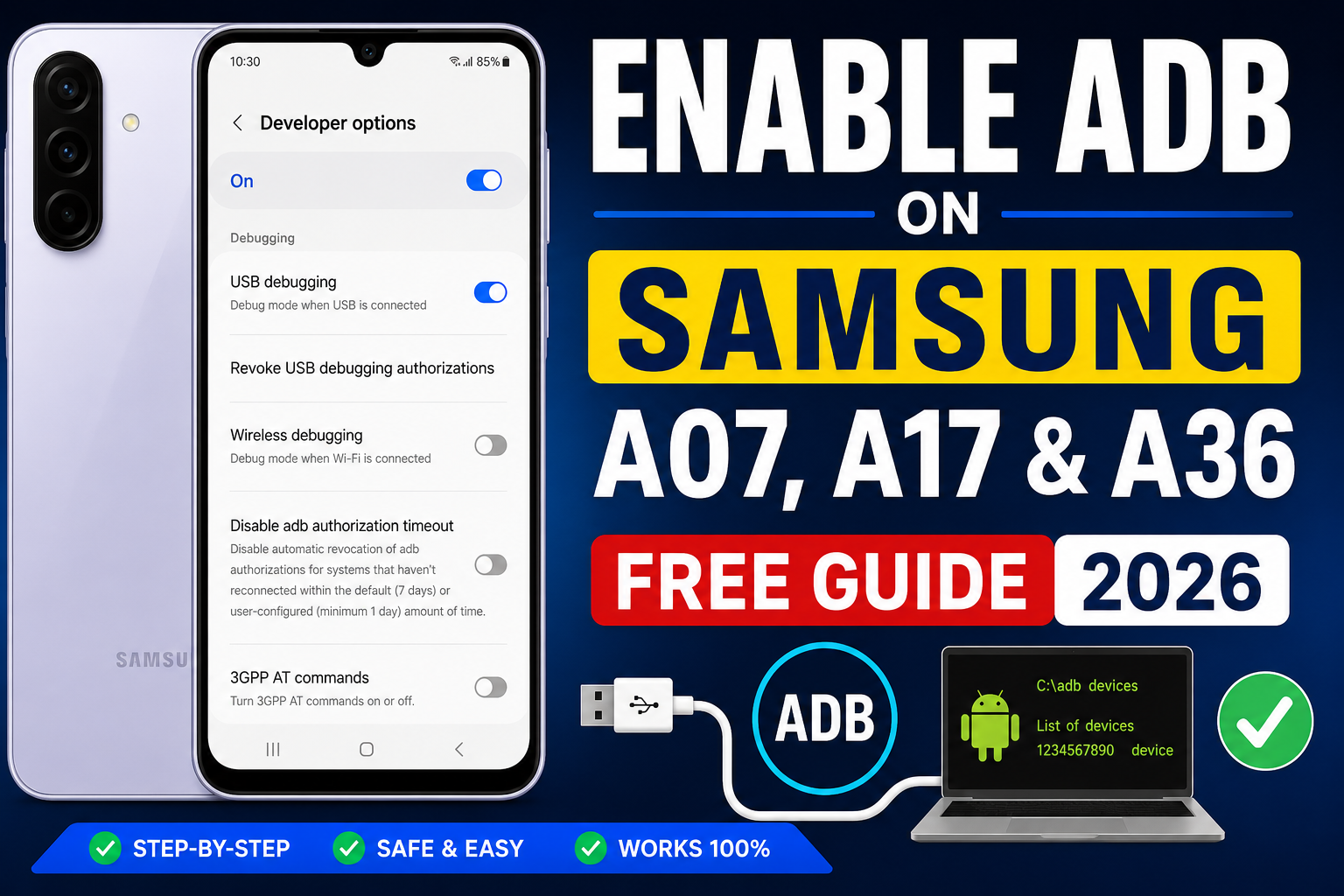
If you want to unlock advanced control on your Samsung device, Enabling ADB (Android Debug Bridge) is the first step. It works on Samsung Galaxy A07, A17, A36, and most modern Galaxy A-series phones.
In this guide, you will learn a simple and safe method to enable ADB and connect your device to a PC.
What is ADB on Samsung?
ADB (Android Debug Bridge) is a tool used to connect your Samsung phone to a computer.
It allows you to:
- Install and remove apps
- Run system commands
- Fix software issues
- Test apps
- Access advanced features
How to Enable Developer Options on Samsung
To enable ADB, you must first unlock Developer Options:
- Open Settings
- Tap About Phone
- Select Software Information
- Tap Build Number 7 times
- You will see “Developer Mode Enabled”
How to Enable USB Debugging (ADB)
Download Adb file here tested and working
Video tutorial Here
Now activate ADB access:
- Go back to Settings
- Open Developer Options
- Scroll down
- Enable USB Debugging
- Confirm by tapping OK
✔ Now ADB access is activated on your Samsung phone.

Learn more_- Here is the firmware that will help you update a055f without any error to binary 1,2,3,4,5,6,8 and 9. Just update 14 to 15 using this file given in the download. The phone is going to reset to default
Connect Samsung Device to PC
Follow these steps:
- Use a USB cable to connethe ct phone the to PC
- Select File Transfer (MTP) mode
- Allow USB debugging popup
- Tap Allow Always
Check ADB Connection
Open Command Prompt and type:
adb devicesIf your device appears, ADB is working correctly.
Supported Samsung Devices
This guide works for:
- Samsung Galaxy A07
- Samsung Galaxy A17
- Samsung Galaxy A36
- Samsung Galaxy A14, A24, A34, A54
- Most Samsung One UI Android devices
Common Problems & Solutions
Device not detected
- Change USB cable
- Install Samsung USB drivers
- Try another USB port
“Unauthorized device” message
- Reconnect phone
- Tap “Allow USB debugging”
ADB command not working
- Install Android Platform Tools on PC
Safety Warning
ADB gives deep system access. Avoid unknown commands because they can:
- Reset your phone
- Delete system files
- Break system settings
Conclusion
Enabling ADB on Samsung A07, A17, and A36 is easy when Developer Options and USB Debugging are activated. This method is used by technicians and developers for testing and repair.