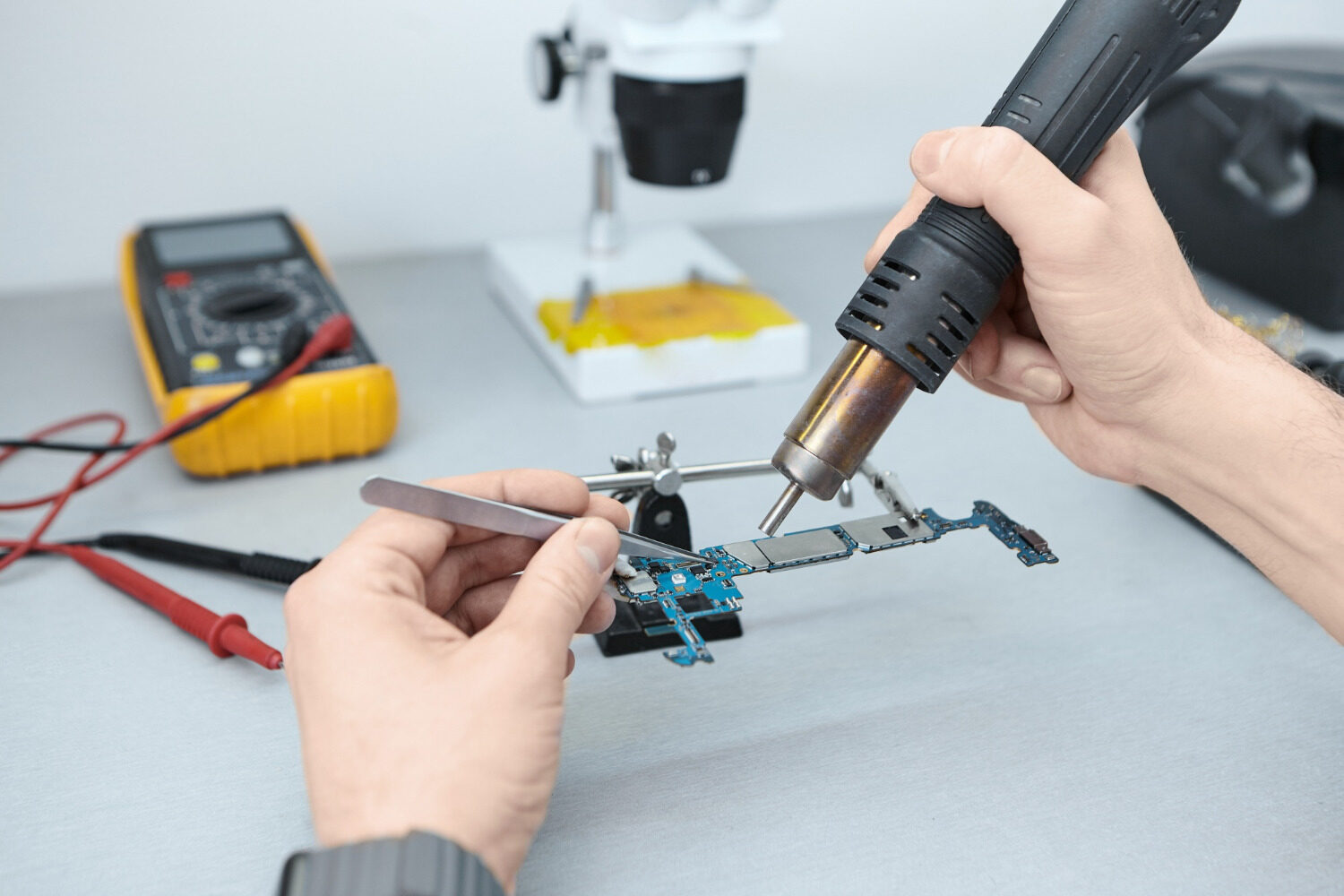
Motherboard Issues – Smartphones have become the backbone of modern life. People use them for banking, communication, gaming, content creation, and even running businesses. Yet behind every smooth swipe and fast app launch lies one critical component that controls everything — the smartphone motherboard. This tiny but powerful circuit board acts like the brain and nervous system of the entire device. Once it develops a fault, the phone can behave unpredictably or stop working completely.
In recent years, motherboard-related smartphone repairs have increased dramatically because modern devices are becoming thinner, more compact, and more complex. Repair technicians around the world continue to report growing cases of damaged IC chips, short circuits, CPU failures, charging circuit issues, and water-damaged motherboards. Industry experts also point to rising semiconductor pressure and component shortages affecting electronics manufacturing globally.
Many smartphone users panic when their phone suddenly dies, overheats, gets stuck on a logo, or refuses to charge. Most people assume the battery is the problem. Sometimes that is true, but in many situations the real culprit is hidden deep inside the motherboard. Understanding these common motherboard problems can save money, prevent scams, and help users decide whether a repair is worth it or not.
What Is a Smartphone Motherboard?
A smartphone motherboard is the main printed circuit board inside a mobile device. Every important hardware component connects to this board in one way or another. Think of it like the central highway system of a busy city. The CPU, RAM, storage chip, charging IC, audio IC, camera circuits, Wi-Fi modules, and power management systems all communicate through the motherboard. If one important connection fails, the entire phone can become unstable.
Modern smartphone motherboards are incredibly advanced. Years ago, mobile devices had larger boards with more space between components. Today, manufacturers pack powerful chips into extremely tiny spaces. This helps phones become thinner and faster, but it also increases repair difficulty. A single damaged line or burnt capacitor can stop the device from functioning properly.
Technicians who specialize in board-level repair use microscopes, hot air stations, DC power supplies, thermal cameras, and precision soldering equipment to repair these boards. Smartphone motherboard repair has become one of the highest-demand skills in the mobile repair industry because replacing entire boards is expensive. Many flagship smartphones now cost hundreds of dollars to repair if the motherboard fails.
Main Components Found on a Motherboard
Some of the most important motherboard components include:
| Component | Function |
|---|---|
| CPU | Processes data and runs the system |
| RAM | Temporary memory for multitasking |
| Storage IC | Stores apps and operating system |
| Power IC | Controls voltage distribution |
| Charging IC | Manages battery charging |
| Audio IC | Handles sound processing |
| Baseband IC | Controls network communication |
Why the Motherboard Is So Important
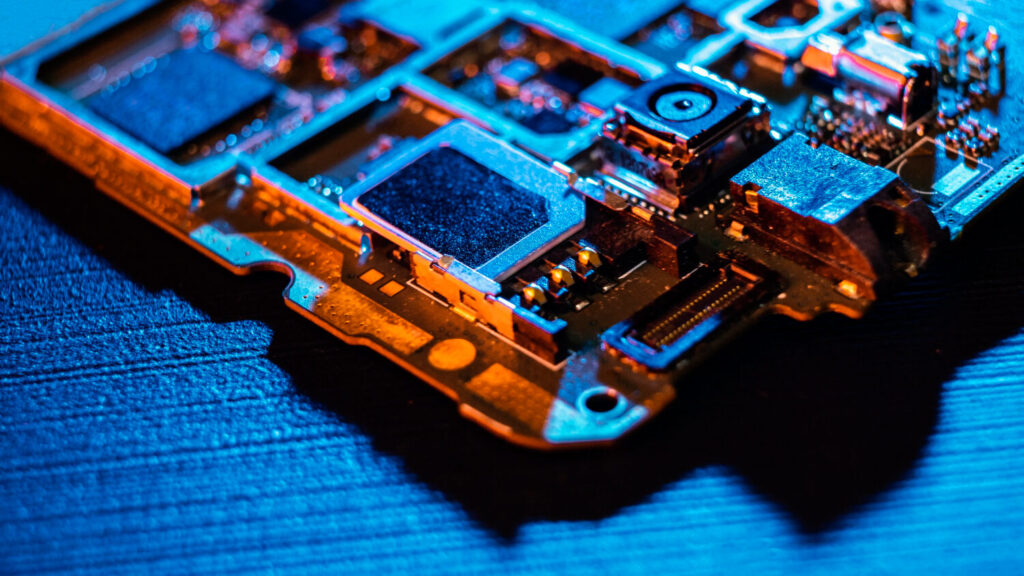
Without the motherboard, a smartphone is basically a collection of useless parts. Even if the display, battery, and cameras are perfect, the device cannot function properly if the motherboard fails. That is why motherboard damage often leads to expensive repairs or complete device replacement.
Signs Your Smartphone Motherboard Is Failing
Motherboard issues rarely appear overnight. In many situations, the phone starts showing warning signs weeks or months before total failure happens. Recognizing these symptoms early can help users backup their data before the device becomes completely unusable.
One of the most common warning signs is random freezing and restarting. A phone may suddenly reboot while watching videos, gaming, or browsing the internet. Sometimes the screen freezes completely before restarting. These symptoms often indicate problems with the CPU, RAM, or power management circuits.
Another major sign is overheating. Smartphones naturally become warm during heavy use, but excessive heat during normal activities is abnormal. If a device becomes extremely hot while idle, charging, or sitting unused, there may be a short circuit or damaged IC on the motherboard. Heat is often the first clue technicians use to locate damaged components.
A dead phone that refuses to power on can also indicate motherboard failure. Many users mistakenly replace batteries repeatedly when the actual issue lies in the power IC or charging circuit. Technicians usually test voltage flow through the motherboard to identify the exact failure point.
Random Restarts and Freezing
Frequent restarts can happen because the CPU loses communication with memory chips or power delivery circuits. In some cases, tiny solder joints underneath chips crack due to drops or overheating.
No Power or Dead Phone
A completely dead device may result from:
- Burnt power IC
- Shorted capacitor
- Water damage
- Broken motherboard layers
- CPU failure
Overheating Problems
Excessive heat can damage nearby components and worsen motherboard problems quickly. Many repair technicians use thermal imaging to locate overheating ICs during diagnosis.
Common Causes of Motherboard Damage
Smartphone motherboards are durable, but they are not indestructible. Most motherboard failures happen because of physical stress, moisture exposure, poor charging habits, or manufacturing defects.
Water damage remains one of the biggest causes of motherboard failure worldwide. Even water-resistant smartphones are vulnerable over time because seals weaken with age. Once moisture enters the motherboard, corrosion slowly damages microscopic circuits. Sometimes the phone works normally for days before corrosion causes major failures.
Physical drops are another major problem. Modern smartphones use lead-free solder, which is environmentally safer but more brittle. Repeated impacts can crack solder joints beneath critical chips like the CPU or RAM. Some devices develop boot loops or touch issues after being dropped because internal connections become unstable.
Cheap chargers also create serious motherboard risks. Low-quality charging accessories often deliver unstable voltage, which can damage charging ICs and power management systems. Power surges during charging can permanently destroy motherboard components.
Manufacturing defects occasionally cause motherboard failures as well. Some famous smartphone models experienced widespread boot loop problems caused by faulty solder connections between motherboard components.
Water Damage
Water causes:
- Corrosion
- Short circuits
- Rust on connectors
- Damaged IC chips
- Battery connection problems
Physical Impact and Drops
A hard drop can break invisible motherboard pathways even when the screen survives.
Power Surges and Fake Chargers
Using uncertified chargers increases the risk of:
- Overvoltage
- Charging IC failure
- Battery damage
- Power line shorts
Manufacturing Defects
Certain smartphone models became notorious for motherboard-related boot loop issues caused by weak solder joints.
Charging IC Problems Explained
Charging IC problems are among the most common motherboard faults repair technicians encounter daily. The charging IC controls power flow between the charger, battery, and motherboard. When this chip fails, the phone may refuse to charge, charge slowly, or rapidly drain battery power.
Many users blame the battery first because charging issues look similar to battery wear. Yet replacing the battery often does nothing if the charging IC itself is damaged. A defective charging circuit may also cause the phone to heat excessively during charging. Some devices even display charging symbols without actually increasing battery percentage.
Charging IC damage often happens because of poor-quality chargers, unstable electricity, liquid exposure, or charging while gaming. Constant heat stress weakens motherboard components over time. Fast charging technology has also increased motherboard repair complexity because modern devices now handle higher voltage levels than older phones.
Repairing charging IC problems requires advanced soldering skills. Technicians remove the damaged chip using hot air equipment and carefully install a replacement component. One mistake can destroy nearby motherboard lines, making the repair even more difficult.
Symptoms of Charging Circuit Failure
Common symptoms include:
- Phone not charging
- Slow charging
- Battery percentage stuck
- Device overheating
- Charger disconnecting repeatedly
Repair Solutions
Technicians usually:
- Test voltage lines
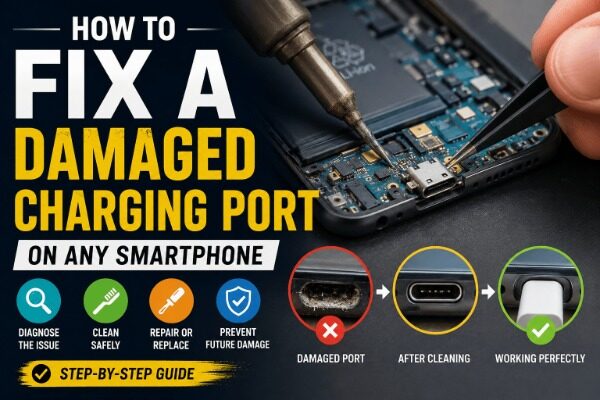
- Check charging port condition
- Replace damaged charging IC
- Repair broken power pathways
CPU and RAM Related Failures
CPU and RAM failures are among the most serious motherboard problems because these chips control nearly every smartphone function. When the CPU develops faults, the phone may become extremely slow, freeze constantly, or fail to boot completely.
Boot loop issues are often connected to CPU or RAM instability. The device powers on, shows the logo, then restarts endlessly. Some phones stay stuck on recovery mode because the processor cannot communicate properly with memory components.
Heat plays a massive role in CPU-related motherboard damage. Smartphones generate significant heat during gaming, video editing, and heavy multitasking. Over time, repeated heating and cooling cycles weaken solder joints beneath the CPU. Once connections crack, the phone becomes unstable.
Repairing CPU-related faults is extremely difficult because modern processors use BGA (Ball Grid Array) technology with microscopic solder balls underneath the chip. Reballing a CPU requires advanced equipment and years of repair experience.
Boot Loop Problems
Boot loops may result from:
- CPU solder failure
- Corrupt storage chips
- RAM communication errors
- Short circuits
System Crashes
Frequent app crashes and freezing can indicate deeper motherboard instability rather than software issues.
Short Circuit Issues on Smartphone Motherboards
A short circuit happens when electrical current flows through an unintended pathway. This can instantly damage motherboard components or slowly destroy circuits over time. Short circuits are extremely common after water damage or improper repair attempts.
When a short exists, the phone may refuse to power on entirely. In some situations, connecting a charger causes immediate overheating. Technicians often inject voltage into the motherboard using DC power supplies while monitoring heat generation to locate shorted components.
Tiny capacitors are frequent short circuit culprits. These components regulate voltage stability throughout the motherboard. If one capacitor fails internally, it can block proper power distribution and prevent the phone from starting.
Short circuits can also damage secondary components. A failed charging IC, for example, may overload nearby power lines and destroy additional chips.
What Causes Short Circuits
Short circuits usually happen because of:
- Water exposure
- Burnt IC chips
- Metal debris
- Incorrect repairs
- Damaged capacitors
How Technicians Detect Shorts
Professional repair shops use:
- Thermal cameras
- Multimeters
- DC power supplies
- Microscope inspection
- Freeze spray testing
Baseband and Network IC Problems
Network-related motherboard issues frustrate users because the phone appears functional while losing signal constantly. Baseband IC problems can prevent the smartphone from detecting SIM cards, connecting to networks, or showing valid IMEI numbers.
This IC manages communication between the phone and cellular towers. Once damaged, users may experience “No Service” errors even after changing SIM cards. In severe cases, the IMEI becomes null or unknown.
Network IC failures often result from drops, overheating, or failed software flashing attempts. Some motherboard layers responsible for signal communication can crack internally after impact damage.
Repairing baseband issues is highly technical because signal circuits are delicate and closely integrated with CPU systems.
No Signal Issues
Symptoms include:
- Weak signal
- No service
- Random network drops
- Emergency calls only
IMEI and SIM Detection Errors
If the phone cannot read the SIM card, the issue may involve:
- SIM circuitry
- Baseband IC
- CPU communication lines
Audio IC and Sound Problems
Audio IC faults affect microphone input, speaker output, and headphone functions. Users may notice distorted sound, missing audio during calls, or microphone failure.
Interestingly, audio IC problems can also cause freezing and boot delays on some smartphone models because the system waits for hardware responses during startup.
Water damage frequently affects audio circuits because microphones and speaker connectors allow moisture to enter the device easily. Dust and corrosion also damage audio pathways over time.
Microphone Failures
People may hear:
- Low voice volume
- Distorted audio
- Complete silence during calls
Speaker and Headphone Issues
Common symptoms include:
- No ringtone sound
- Headphones not detected
- Crackling speakers
Display and Touch IC Faults
Display IC and touch IC problems are increasingly common in modern smartphones with high-refresh-rate OLED displays. A damaged display IC can cause black screens, flickering, green lines, or image distortion.
Touch IC failures often produce ghost touch problems where the phone behaves as if invisible fingers are touching the screen. Users may struggle to type or unlock the device.
Drops are a major cause of display-related motherboard faults. Even if the screen glass survives, impact can damage display signal circuits internally.
Ghost Touch Problems
Ghost touch usually results from:
- Touch IC damage
- Water exposure
- Damaged flex connectors
Black Screen With Working Phone
If the phone vibrates and rings but shows no image, the motherboard display circuit may be damaged.
Can Motherboard Problems Be Repaired?
The good news is that many motherboard problems are repairable. Skilled technicians can replace damaged IC chips, repair broken pathways, and restore dead devices successfully. Board-level repair has become a highly specialized industry because flagship smartphone replacement costs are extremely high.
Still, not every motherboard can be saved. Severe water damage, cracked multilayer boards, or destroyed CPU circuits may make repairs economically unrealistic. In some cases, replacing the motherboard costs almost as much as buying another phone.
Repair success also depends heavily on technician skill level. Poor repair attempts can worsen damage permanently. That is why choosing an experienced motherboard specialist is extremely important.
Board-Level Repair
Professional motherboard repair may include:
- IC replacement
- Jumper wire repair
- CPU reballing
- Capacitor replacement
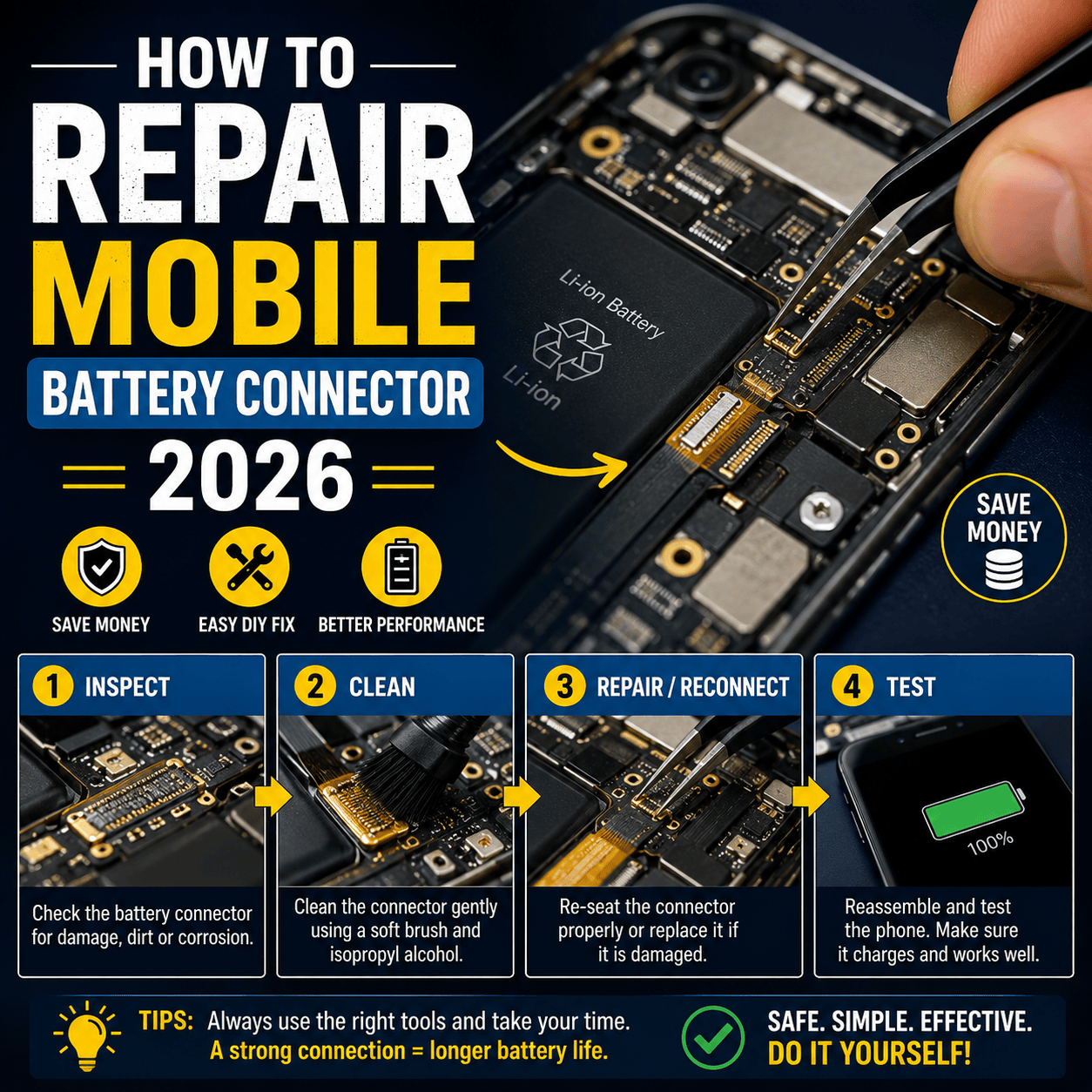
- Connector repair
When Replacement Is Better
Replacement may be smarter when:
- Repair costs exceed phone value
- CPU damage is severe
- Multiple layers are burnt
- Corrosion is widespread
How to Prevent Smartphone Motherboard Damage
Preventing motherboard damage is far cheaper than repairing it. Simple habits can dramatically extend smartphone lifespan.
Using original chargers is one of the best protective measures. Cheap chargers may save money initially, but they can destroy charging circuits slowly over time. Avoid exposing phones to moisture, especially in bathrooms or rainy conditions.
Heat management also matters. Constant gaming while charging generates dangerous temperatures that stress motherboard components. Removing thick phone cases during heavy gaming can improve cooling.
Protective cases help reduce drop damage, while regular backups protect important data if motherboard failure occurs unexpectedly.
Some smart prevention habits include:
- Avoid overnight charging constantly
- Keep phones away from water
- Use certified accessories
- Avoid extreme heat
- Repair damaged charging ports quickly
Conclusion
Smartphone motherboard problems can appear mysterious, but understanding the basics makes diagnosis easier and helps users avoid expensive mistakes. From charging IC failures and short circuits to CPU damage and network IC problems, motherboard faults affect nearly every part of smartphone functionality.
Modern smartphones are incredibly advanced machines packed with microscopic circuits and delicate chips. Their compact designs deliver amazing performance, yet they also make repairs more challenging than ever. Even something as simple as a cheap charger or accidental water exposure can trigger serious motherboard damage over time.
The good news is that professional board-level repair continues to evolve rapidly. Skilled technicians now repair issues once considered impossible. Still, prevention remains the smartest strategy. Using quality accessories, avoiding overheating, and protecting devices from physical damage can dramatically reduce motherboard failure risks.
For smartphone users and repair technicians alike, motherboard knowledge is no longer optional. It has become one of the most valuable areas of expertise in the mobile technology world.
FAQs
1. Can a smartphone motherboard be repaired completely?
Yes, many motherboard issues can be repaired successfully depending on the damage severity. Problems involving charging ICs, capacitors, connectors, and certain short circuits are commonly repairable.
2. What causes a smartphone motherboard to fail?
Common causes include water damage, overheating, physical drops, fake chargers, manufacturing defects, and electrical short circuits.
3. How much does motherboard repair usually cost?
Repair costs vary depending on the smartphone model and the damaged component. Flagship phone motherboard repairs are usually more expensive due to complex board designs.
4. Is data recoverable from a damaged motherboard?
In many cases, yes. Skilled technicians can sometimes repair specific circuits temporarily to recover important files and photos.
5. Can overheating permanently damage a motherboard?
Yes. Excessive heat weakens solder joints and damages sensitive IC chips over time, leading to boot loops, charging failures, and complete motherboard failure.