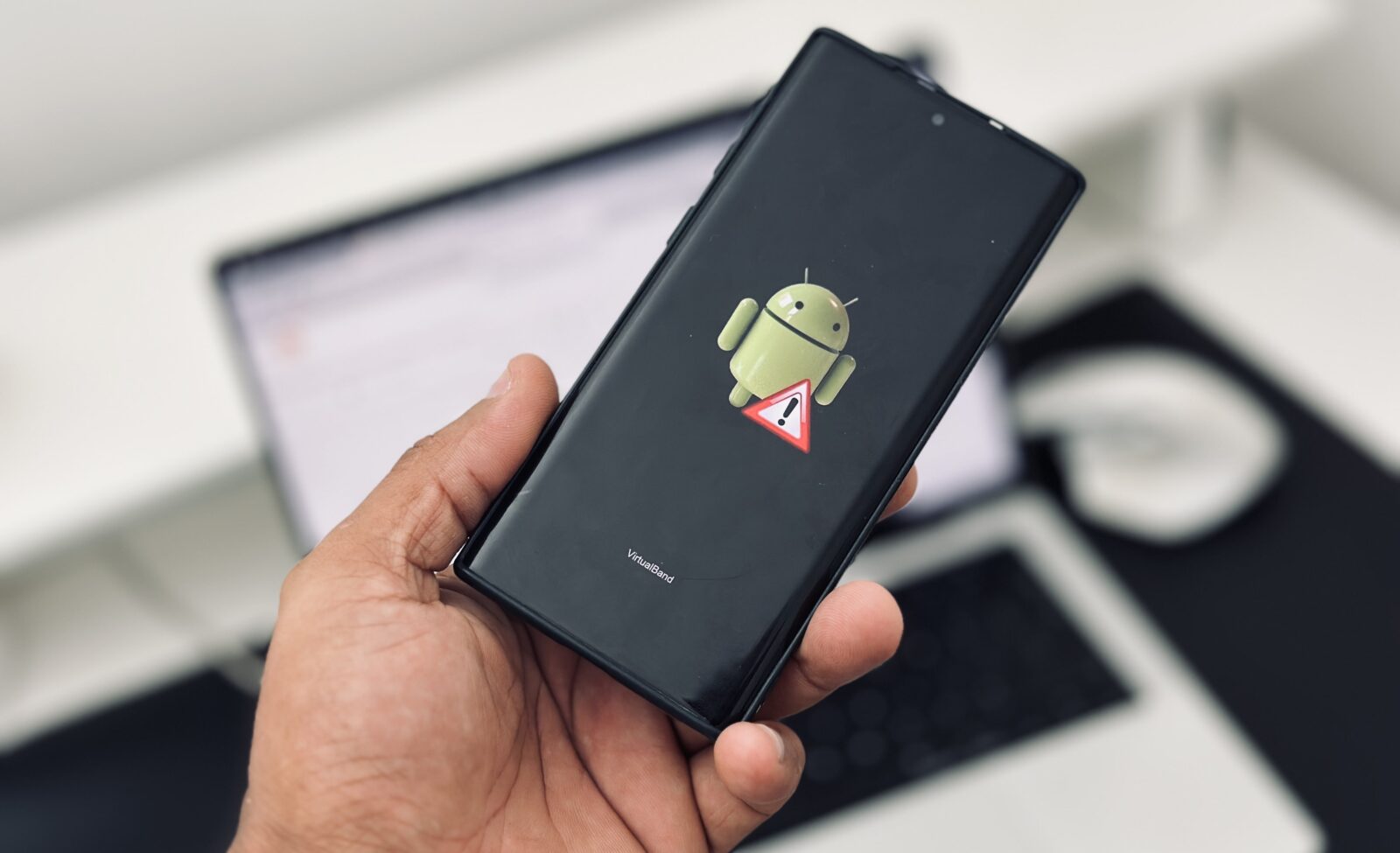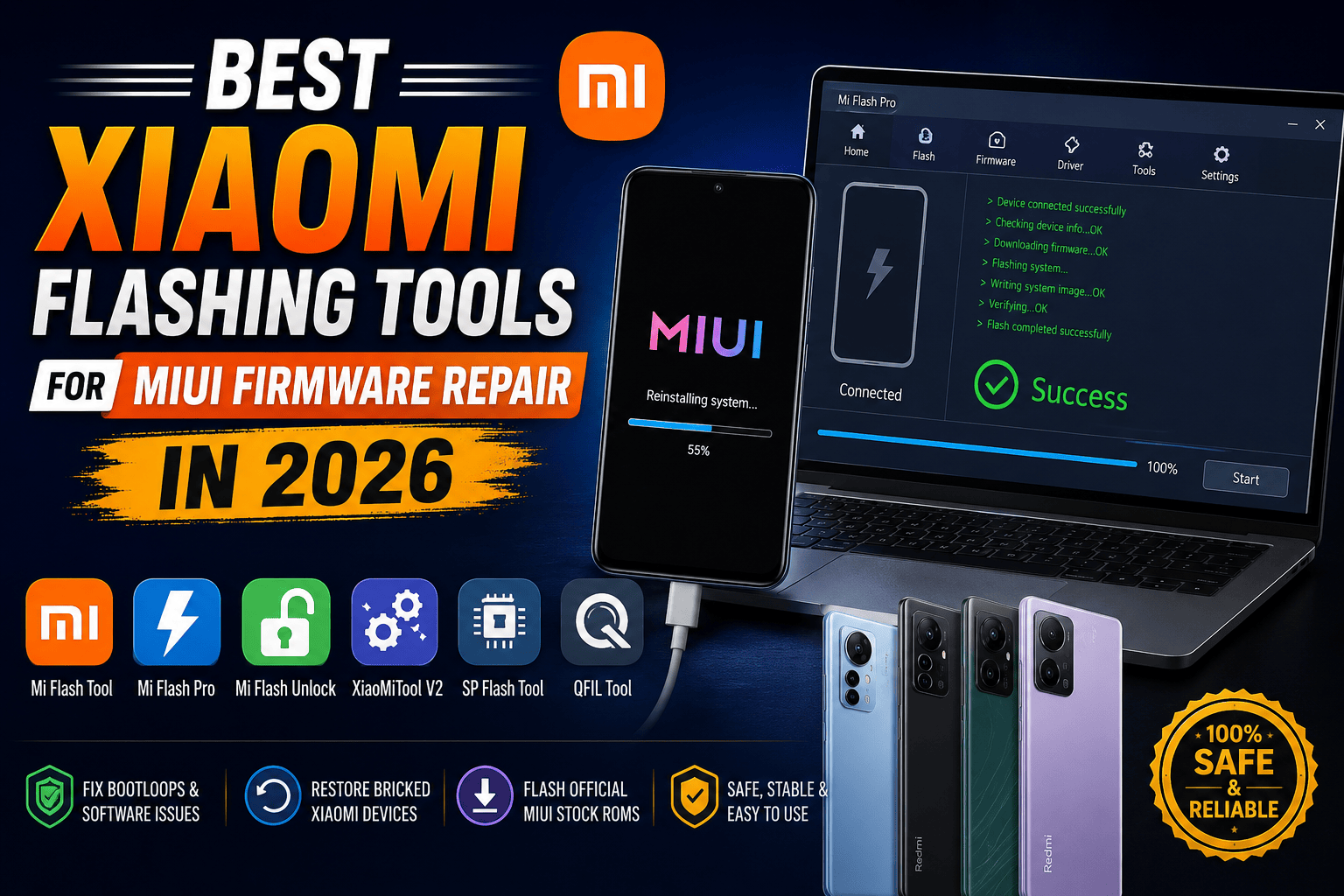
Xiaomi smartphones have earned a reputation for delivering powerful hardware at affordable prices. From the flagship Xiaomi series to Redmi and POCO devices, millions of users depend on MIUI and the newer HyperOS ecosystem every day. Yet even the most reliable smartphone can run into software issues. Boot loops, stuck logos, failed updates, system crashes, and corrupted firmware can quickly turn a perfectly good phone into a frustrating brick.
That is where Xiaomi flashing tools come into play. These tools allow users and technicians to reinstall firmware, repair damaged software, downgrade problematic updates, unlock bootloaders, and recover devices that refuse to boot properly. Whether you are a beginner trying to fix a Redmi phone or a professional mobile technician handling dozens of devices weekly, choosing the right flashing software can save hours of work.
According to Xiaomi firmware resources and official flashing utility documentation, tools such as Mi Flash Tool, Mi Flash Pro, and Mi Flash Unlock remain among the most widely used solutions for firmware installation and device recovery.
Before diving into the best options available today, let’s first understand why flashing tools have become essential in the Xiaomi repair industry.
Why Xiaomi Flashing Tools Matter

Modern Xiaomi devices are essentially compact computers. They run complex operating systems, manage multiple partitions, and continuously receive firmware updates. While these updates usually improve security and performance, they can occasionally introduce unexpected issues. Imagine updating your phone and suddenly getting stuck on the Mi logo. It’s like renovating a house only to discover the front door no longer opens.
Professional flashing tools give users direct access to firmware repair options. Instead of visiting a service center and paying repair fees, users can reinstall official firmware at home. This capability has become especially valuable as Xiaomi’s ecosystem expands across Redmi, POCO, and HyperOS-powered devices.
Software repair is often much faster than hardware repair. A device that appears dead may simply have corrupted firmware. In many cases, flashing the correct ROM restores functionality within minutes. Technicians worldwide rely on flashing software because it reduces downtime, improves repair success rates, and helps recover customer devices without replacing expensive components.
The growing popularity of Xiaomi devices means there is also increasing demand for reliable repair solutions. Whether dealing with system crashes, failed OTA updates, forgotten passwords, or boot loops, the right flashing tool becomes the digital equivalent of a master key.
Common MIUI Firmware Problems
MIUI and HyperOS devices can experience several software-related problems:
- Boot loops after updates
- System crashes
- Stuck recovery mode
- Failed root attempts
- Soft-bricked devices
- Endless Mi logo screen
- Corrupted partitions
- Security lock issues
Most of these problems can be fixed without replacing hardware. A properly flashed stock ROM often restores the phone to factory condition.
Benefits of Professional Flashing Tools
The biggest advantage is flexibility. Flashing tools allow users to install official firmware, downgrade problematic versions, recover dead devices, and even switch regions. For technicians, these tools increase productivity and reduce repair turnaround time.
Understanding Xiaomi Firmware Repair
Before choosing a flashing tool, it helps to understand how Xiaomi firmware works. Think of firmware as the foundation of a building. If the foundation develops cracks, the entire structure becomes unstable. Similarly, when firmware becomes corrupted, the device can behave unpredictably.
Xiaomi distributes firmware in different formats. Some are designed for recovery installations, while others require Fastboot mode. Choosing the wrong package often leads to flashing failures, which is why understanding firmware types is crucial.
Fastboot ROM vs Recovery ROM
| Feature | Fastboot ROM | Recovery ROM |
|---|---|---|
| Installation Method | Mi Flash Tool | Recovery Updater |
| Device State | Bootloader Required | Existing System Needed |
| Repair Capability | Full System Repair | Limited Repair |
| Best For | Bricked Devices | Normal Updates |
Fastboot ROMs are generally preferred by repair technicians because they provide deeper access to device partitions and allow complete firmware replacement.
Qualcomm and MediaTek Device Differences
Xiaomi devices use different chipsets. Qualcomm-powered phones often work best with Mi Flash Tool and QFIL, while MediaTek devices may require SP Flash Tool or Mi Flash Pro. Knowing your chipset before flashing is essential because using incompatible tools can cause failures.
Xiaomi Mi Flash Tool
Xiaomi Mi Flash Tool Official Download
The Xiaomi Mi Flash Tool remains the gold standard for Xiaomi firmware repair. Developed by Xiaomi Corporation, it allows users to flash Fastboot firmware onto Qualcomm-based devices. The software is free and supports both older and newer Xiaomi smartphones.
For many technicians, Mi Flash Tool is like a Swiss Army knife. It handles firmware installation, system recovery, partition flashing, and device restoration through a relatively simple interface. Even though newer tools have appeared, Mi Flash Tool continues to be the first choice for professional repair shops.
One reason for its popularity is reliability. Unlike many third-party flashing programs, Mi Flash Tool comes directly from Xiaomi-related distribution channels and includes essential drivers. This reduces compatibility issues and improves success rates during repairs.
Main Features
- Fastboot ROM installation
- Qualcomm chipset support
- Device recovery
- Driver integration
- Partition management
- Stock firmware flashing
Pros and Cons
| Pros | Cons |
|---|---|
| Official Xiaomi utility | Windows only |
| Free to use | Learning curve for beginners |
| Reliable flashing engine | Requires correct firmware |
| Excellent repair capability | Some models require unlocked bootloader |
Mi Flash Pro
Mi Flash Pro takes Xiaomi firmware repair to another level. While Mi Flash Tool focuses primarily on Fastboot flashing, Mi Flash Pro combines several utilities into one package. It supports both Qualcomm and MediaTek-based Xiaomi devices and includes integrated driver support.
Imagine carrying a toolbox containing every screwdriver, wrench, and repair instrument you need. That’s essentially what Mi Flash Pro offers. Instead of installing separate utilities, technicians gain access to multiple repair functions within a single interface.
The software includes firmware download capabilities, flashing support, recovery options, and driver installation features. This makes it ideal for service centers handling a wide range of Xiaomi models.
Advanced Functions
Some standout features include:
- Firmware downloading
- Recovery flashing
- Qualcomm support
- MediaTek support
- Driver management
- Device identification
Ideal Users
Mi Flash Pro is perfect for:
- Mobile repair technicians
- Service centers
- Advanced Xiaomi enthusiasts
- Firmware developers
Users working on multiple Xiaomi brands such as Redmi and POCO often prefer Mi Flash Pro due to its broader compatibility.
Mi Flash Unlock Tool
Mi Flash Unlock Tool Information
Flashing firmware often requires bootloader access. This is where Mi Flash Unlock Tool becomes important. Xiaomi provides this utility to unlock compatible devices safely and officially. According to recent firmware resources, the tool continues supporting Xiaomi, Redmi, and POCO devices in 2026.
Think of the bootloader as the front gate protecting your house. Without permission to open that gate, certain firmware operations simply cannot happen. The Unlock Tool provides authorized access to deeper system modifications.
Many users underestimate the importance of unlocking. Yet without it, advanced firmware installation becomes impossible on many Xiaomi devices. Professional technicians regularly use the tool before flashing custom ROMs or performing deep software repairs.
Why Bootloader Unlocking Matters
Unlocking enables:
- Custom ROM installation
- Firmware downgrades
- Root access
- Recovery replacement
- Advanced troubleshooting
It should always be performed carefully because incorrect procedures can cause data loss.
XiaoMiTool V2
XiaoMiTool V2 Official Website
XiaoMiTool V2 is one of the most beginner-friendly Xiaomi repair solutions available today. Unlike traditional flashing software that expects users to manually locate firmware files, XiaoMiTool V2 automates much of the process.
The software acts almost like a GPS navigation system. Instead of requiring detailed technical knowledge, it guides users step-by-step toward the correct firmware and installation process.
One major advantage is automatic firmware detection. The tool can download official ROMs, locate compatible versions, and assist users through flashing procedures. For beginners intimidated by technical flashing terminology, XiaoMiTool V2 dramatically lowers the learning curve.
Automatic Firmware Management
Key capabilities include:
- ROM downloads
- Automatic firmware selection
- Recovery assistance
- Bootloader support
- Device recognition
- Guided flashing procedures
This makes it one of the safest choices for first-time Xiaomi users.
SP Flash Tool for Xiaomi MediaTek Devices
SP Flash Tool Official Website
MediaTek-powered Xiaomi devices require specialized flashing methods. SP Flash Tool has become one of the most trusted solutions for these models. Since many Redmi smartphones use MediaTek processors, understanding SP Flash Tool remains valuable for repair professionals.
Unlike Mi Flash Tool, which focuses primarily on Qualcomm devices, SP Flash Tool communicates directly with MediaTek hardware. This allows technicians to repair deeply corrupted devices that may not respond through normal Fastboot procedures.
The software has gained popularity because it supports advanced operations such as partition repair, firmware installation, and complete system restoration. For technicians working with budget Redmi devices, SP Flash Tool often becomes indispensable.
Supported Operations
- Stock ROM flashing
- Partition repair
- Device formatting
- Recovery installation
- Firmware upgrades
- Software unbrick procedures
QFIL Flash Tool
QFIL, short for Qualcomm Flash Image Loader, remains one of the most powerful emergency repair tools available for Qualcomm-based Xiaomi devices.
When a phone enters EDL mode (Emergency Download Mode), traditional flashing solutions may fail. QFIL steps in during these situations and communicates directly with Qualcomm hardware.
Think of QFIL as the emergency rescue team called when ordinary repair methods stop working. Technicians frequently use it for devices that appear completely dead.
Qualcomm Emergency Download Mode
QFIL supports:
- EDL flashing
- Partition repair
- Firmware recovery
- Device resurrection
- Advanced diagnostics
Its technical nature makes it more suitable for experienced repair professionals.
Comparing the Best Xiaomi Flashing Tools
| Tool | Best For | Chipset Support | Difficulty |
|---|---|---|---|
| Mi Flash Tool | Fastboot ROM Flashing | Qualcomm | Medium |
| Mi Flash Pro | Complete Firmware Repair | Qualcomm & MediaTek | Medium |
| Mi Flash Unlock | Bootloader Unlocking | Xiaomi Devices | Easy |
| XiaoMiTool V2 | Beginners | Multiple Models | Easy |
| SP Flash Tool | MediaTek Repair | MediaTek | Advanced |
| QFIL | EDL Recovery | Qualcomm | Advanced |
This comparison highlights why technicians often keep multiple tools installed. Different repair scenarios require different solutions.
How to Choose the Right Tool
Choosing a flashing tool depends on your experience level and device type.
For Beginners
If you are new to firmware repair, start with:
- XiaoMiTool V2
- Mi Flash Unlock
- Mi Flash Tool
These provide safer environments and guided procedures.
For Professional Technicians
Advanced users should maintain:
- Mi Flash Tool
- Mi Flash Pro
- SP Flash Tool
- QFIL
Having all four installed covers nearly every Xiaomi repair scenario encountered in a service center.
Safety Tips Before Flashing MIUI Firmware
Flashing firmware is powerful, but it carries risks. Treat it like performing surgery on your smartphone. Preparation determines success.
Always verify firmware compatibility before flashing. Installing the wrong ROM can create serious software issues. Backup important data whenever possible because firmware repair frequently wipes user information.
Battery charge also matters. A device losing power midway through flashing can become unusable. Most technicians recommend maintaining at least 60 percent battery before starting.
Driver installation should never be overlooked. Many flashing failures occur because Windows fails to recognize the connected device. Proper Qualcomm or MediaTek drivers dramatically improve stability.
Finally, download firmware only from trusted sources. Suspicious firmware packages can contain modifications, malware, or incompatible files that compromise device security.
Conclusion
The Xiaomi ecosystem continues expanding rapidly, and firmware repair remains a critical skill for both enthusiasts and professional technicians. Whether you’re recovering a boot-looped Redmi device, reinstalling HyperOS, fixing corrupted partitions, or performing advanced software repairs, choosing the right flashing tool makes all the difference.
Mi Flash Tool remains the most trusted option for official Fastboot ROM installation. Mi Flash Pro adds advanced recovery capabilities for both Qualcomm and MediaTek devices. Mi Flash Unlock Tool simplifies bootloader access, while XiaoMiTool V2 makes firmware repair accessible for beginners. For deeper repairs, SP Flash Tool and QFIL provide professional-grade solutions capable of reviving devices that appear completely dead.
The best technicians don’t rely on one tool alone. They build a toolkit capable of handling every repair scenario. As Xiaomi devices become more sophisticated in 2026, having the right flashing software is no longer optional—it is essential.
FAQs
1. What is the safest Xiaomi flashing tool?
Mi Flash Tool is generally considered the safest because it is officially associated with Xiaomi firmware flashing and supports official Fastboot ROM installations.
2. Can Mi Flash Tool repair a boot loop?
Yes. Flashing official stock firmware with Mi Flash Tool can often resolve boot loops, stuck logos, and software corruption issues.
3. Do I need an unlocked bootloader to flash Xiaomi firmware?
In many cases, yes. Some firmware operations require bootloader unlocking through Mi Flash Unlock Tool.
4. Which flashing tool works for Redmi MediaTek phones?
SP Flash Tool and Mi Flash Pro are excellent options for MediaTek-powered Redmi devices.
5. Is XiaoMiTool V2 suitable for beginners?
Absolutely. XiaoMiTool V2 provides guided firmware installation, automatic ROM detection, and a user-friendly interface that simplifies the flashing process