Introduction
Smartphones have become essential tools in our daily lives, but many users unknowingly shorten their device’s lifespan through careless habits. By understanding the most common smartphone mistakes, you can protect your investment and ensure your phone stays reliable for years.
1. Using Cheap Chargers
Low-quality or counterfeit chargers may save money upfront, but they often deliver inconsistent voltage. This can overheat your battery, cause charging port damage, and even pose fire risks. Always invest in certified accessories.
2. Overcharging Overnight
Leaving your phone plugged in all night stresses the battery. Modern devices have safeguards, but constant trickle charging generates heat, which accelerates battery wear. Aim to unplug once it reaches 100%.
3. Ignoring Software Updates
Updates aren’t just about new features—they patch security vulnerabilities and optimize performance. Skipping them leaves your phone exposed to malware and slows down its system over time.
4. Exposing to Extreme Temperatures
Heat can permanently damage batteries, while cold reduces performance. Avoid leaving your phone in direct sunlight, on car dashboards, or outside in freezing weather.
5. Using Without a Case or Screen Protector
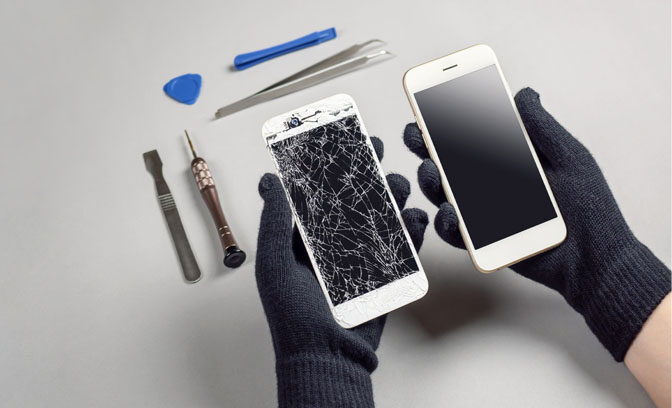
A single drop can crack your screen or damage internal components. Protective gear may seem bulky, but it’s far cheaper than a screen replacement.
6. Installing Unverified Apps
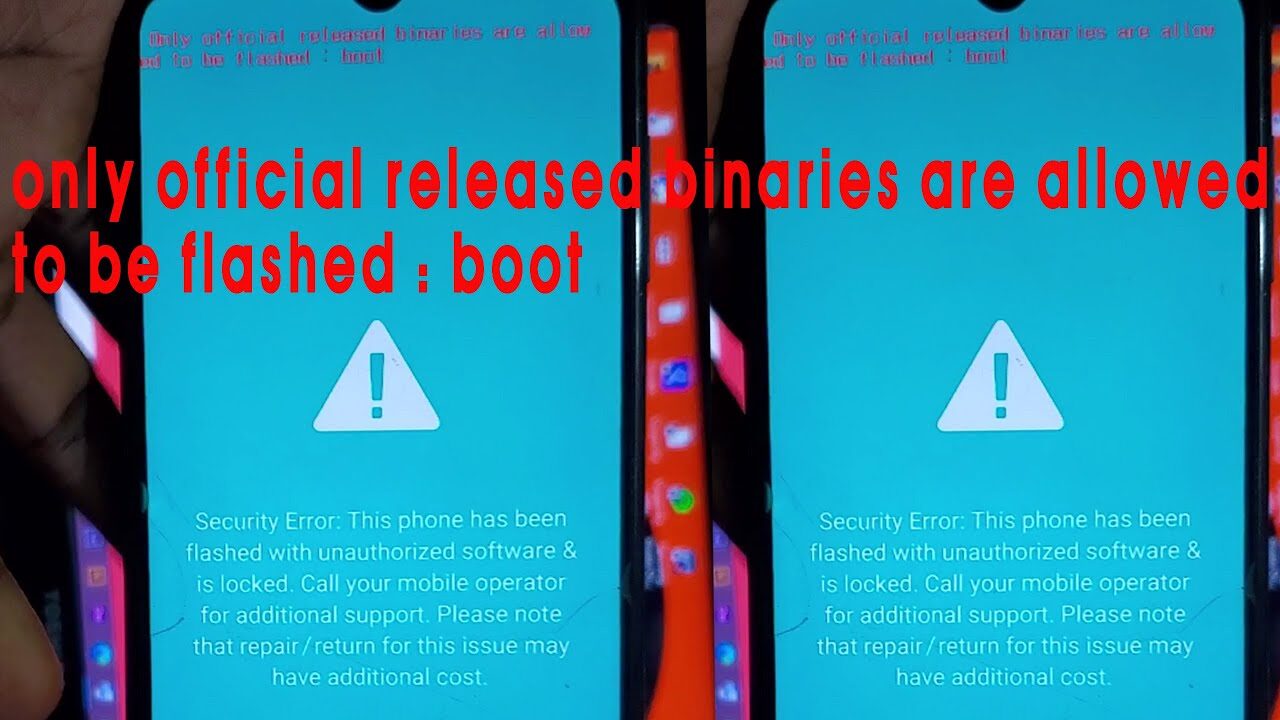
Third-party apps from unknown sources can carry malware, steal data, or overload your system. Stick to official app stores to keep your device secure.
7. Neglecting Storage Management
Cluttered storage slows down performance and increases the risk of crashes. Regularly clear cache, delete unused apps, and back up files to the cloud.
Conclusion
Avoiding these common smartphone mistakes is simple yet powerful. By practicing mindful habits—like using certified chargers, updating software, and protecting your device physically—you’ll extend your phone’s lifespan and save money on repairs.