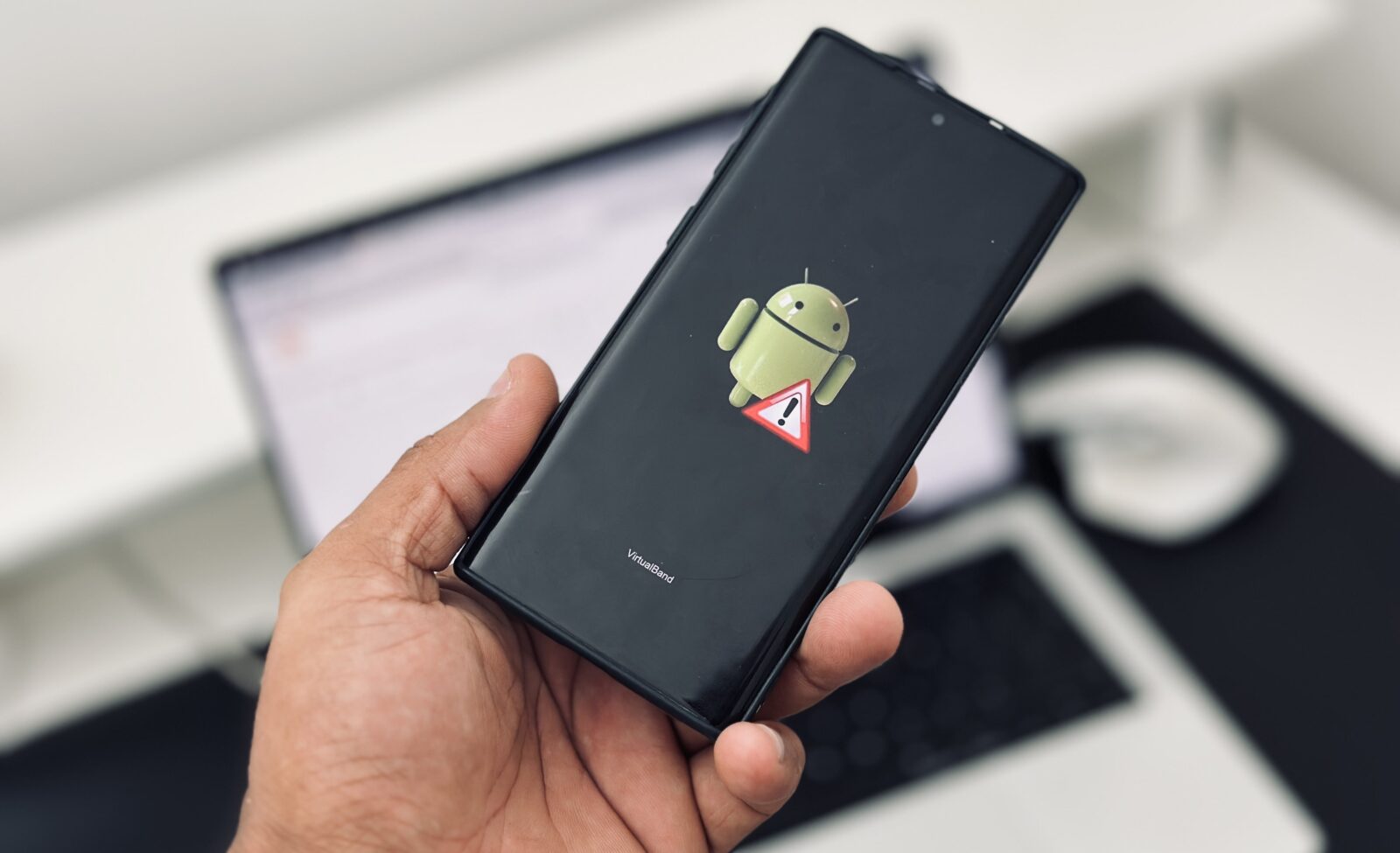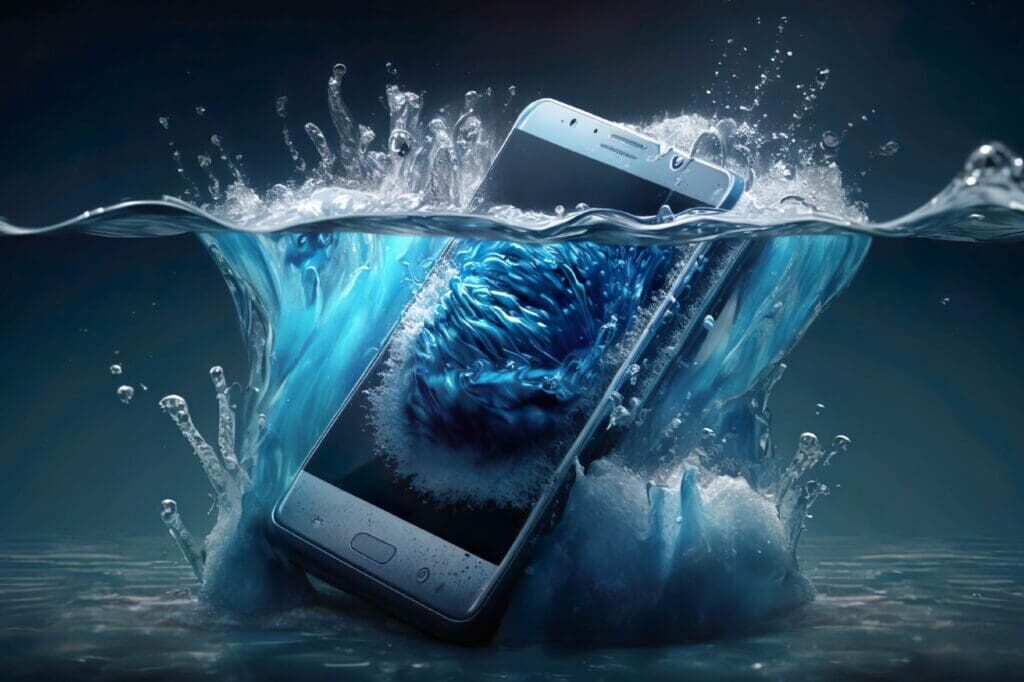
Water Damaged -Dropping a smartphone into water feels like watching your wallet sink in slow motion. One second you are scrolling through social media, replying to messages, or taking photos, and the next second your device disappears into a sink, swimming pool, toilet, or even a puddle during heavy rain. Panic kicks in instantly. Most people rush to search online for miracle solutions, while others shake the phone violently or stuff it into a bowl of rice hoping for magic. The truth is that what you do during the first few minutes after water exposure can decide whether your phone survives or becomes an expensive paperweight.
Water damage remains one of the biggest smartphone repair problems worldwide. Recent repair industry reports show that millions of smartphones are damaged by liquid exposure every year, with over 95 million devices affected globally. Even phones with modern water resistance ratings are not immune. Many users misunderstand IP67 and IP68 certifications and assume their phones are completely waterproof, which is far from reality. Real-world conditions such as salt water, pool chemicals, steam, cracked screens, or aging seals can quickly defeat a phone’s water resistance.
The good news is that a water damaged smartphone can often be saved if you react quickly and follow the correct process. Timing matters more than anything else. Some repair specialists report recovery success rates above 90% when phones receive proper treatment within the first six hours after water exposure. This guide walks you through every important step, from emergency actions to long-term prevention, helping you improve your chances of saving your device and your valuable data.
Understanding Guide to Fix Water Damaged
How Water Damages Internal Phone Components
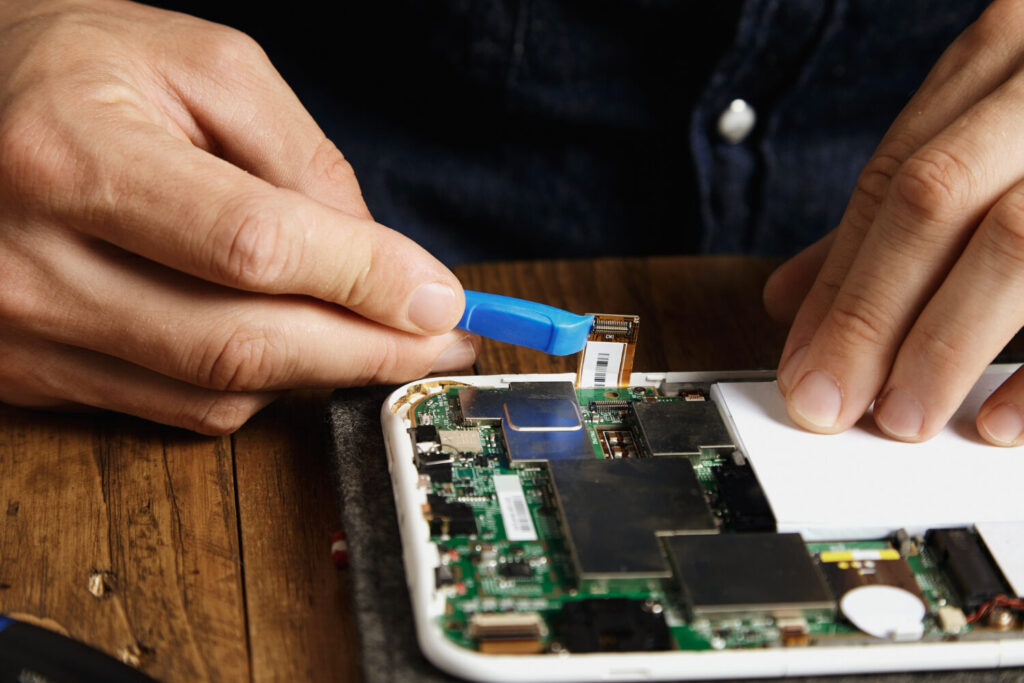
Smartphones may look tough from the outside, but internally they are delicate electronic machines filled with tiny circuits, connectors, and microchips. Water itself is not always the biggest problem. The real danger comes from minerals, salts, and contaminants inside liquids that create short circuits and corrosion. Think of your phone like a busy city powered by electricity. Once water enters the system, it behaves like flooding on busy roads, disrupting communication between every component.
When liquid seeps inside a smartphone, it can instantly short-circuit important areas such as the motherboard, battery connectors, charging port, display cables, and camera modules. If electricity continues flowing while the phone is wet, the damage becomes even worse. This is why experts constantly emphasize turning the phone off immediately after water exposure. Delayed action allows corrosion to spread across internal parts like rust eating away at metal. In many cases, phones appear fine at first but develop issues days or weeks later because corrosion continues silently inside the device.
Different liquids also create different levels of damage. Fresh water from a sink is generally less destructive than salt water from the ocean or chlorinated pool water. Repair reports from 2025 showed that salt water damage had some of the lowest repair success rates because salt aggressively corrodes internal circuits. Sugary drinks such as soda or coffee are also dangerous because sticky residue remains inside the phone long after the liquid dries. That residue can block buttons, damage connectors, and attract dust over time.
Common Signs of Water Damage
Sometimes water damage is obvious immediately. Other times it hides quietly before causing bigger issues later. One of the first signs is a phone that suddenly shuts down or refuses to turn on. You may also notice flickering screens, distorted audio, unresponsive touch controls, overheating, or strange charging behavior. Cameras may develop condensation under the lens, creating blurry photos or foggy images. Speakers often sound muffled because trapped moisture interferes with sound vibrations.
Another common warning sign is inconsistent network signal or Wi-Fi connectivity. Some users report their phones working normally for days before losing cellular reception entirely due to corrosion damaging antenna connections. Charging issues are also extremely common after water exposure. The charging port may display moisture detection warnings or fail to recognize cables completely.
Modern smartphones contain Liquid Contact Indicators, often called LCIs. These small markers change color when exposed to liquid. Repair technicians use them to confirm water exposure during inspections. If your phone has one, checking it can provide quick confirmation of internal liquid damage. Even if the phone seems functional after drying, hidden corrosion can still cause future failures, so it is important not to ignore early symptoms.
First Things You Must Do Immediately
Remove the Phone from Water Safely
The first few seconds matter more than most people realize. The longer your phone remains submerged, the deeper the liquid travels into sensitive components. Grab the device immediately and move it away from the water source. Stay calm and avoid pressing random buttons while removing it. Pressing buttons can push water deeper into the phone, especially around side seals and speaker openings.
If the phone fell into salt water, pool water, or dirty liquid, the urgency becomes even greater. These liquids contain minerals and chemicals that speed up corrosion. Some people instinctively shake the phone violently to force water out, but that can spread moisture further across internal circuits. Imagine spilling ink on paper and then shaking it around — the stain spreads wider instead of disappearing. The same principle applies to moisture inside electronics.
Once the device is out of the water, place it on a dry surface immediately. Avoid putting it near direct heat sources like ovens, hair dryers, or microwaves. Excessive heat can warp internal components, damage batteries, and weaken adhesives that protect the screen and waterproof seals. Fast action is important, but controlled action is even more important.
Power Off the Device Immediately
This step can literally save your phone. If the device is still on, shut it down immediately. Electricity and water are a disastrous combination inside smartphones. Active electrical current flowing through wet circuits increases the chance of permanent short circuits and motherboard failure. Even a few extra seconds of power can transform a repairable phone into a completely dead device.
Some users hesitate to turn off the phone because it appears to be working normally. That is a dangerous mistake. Water damage often progresses slowly. A phone may continue functioning temporarily while corrosion silently develops underneath chips and connectors. Shutting down the device stops electricity flow and minimizes the risk of deeper internal destruction.
If your phone automatically turned off after water exposure, resist the temptation to power it back on to “check if it still works.” Many phones suffer fatal damage because users repeatedly attempt to restart them while moisture remains trapped inside. Patience becomes your best friend during the recovery process.
Remove Accessories and SIM Cards
After powering down the device, remove all accessories immediately. Take off the protective case, unplug charging cables, remove earphones, and eject the SIM card tray. These steps improve airflow and allow trapped moisture to escape more effectively. Cases often trap water against the device, creating a humid environment that encourages corrosion.
Removing the SIM card and memory card is especially important because these components store valuable data and personal information. Dry them separately using a soft cloth. If possible, leave the SIM tray open to help moisture evaporate from inside the device. Some smartphones also allow battery removal, though modern sealed phones rarely offer this feature anymore. If your device has a removable battery, take it out immediately.
At this stage, your goal is simple: stop electricity flow, improve ventilation, and reduce moisture exposure as quickly as possible. Every minute counts, especially during the first few hours after the accident.
Mistakes That Make Water Damage Worse
Why Rice Is Not Always the Best Solution
Almost everyone has heard the classic advice: “Put your phone in rice.” It has become one of the most famous smartphone myths on the internet. While rice can absorb a small amount of moisture from the surrounding air, it is far from the best drying solution. In fact, many technicians argue that relying solely on rice wastes valuable recovery time.
Rice struggles to remove moisture trapped deep inside smartphones. Tiny water droplets hidden beneath chips, connectors, and shields remain untouched. Worse, rice particles and dust can enter charging ports, headphone jacks, and speaker holes, creating additional problems. Imagine trying to fix a flooded basement by leaving a sponge outside the house — it simply cannot reach the actual source of the problem.
Professional repair technicians often recommend silica gel packets instead. These are the small moisture-absorbing packets found inside shoe boxes and electronics packaging. Silica gel absorbs moisture far more effectively than rice and reduces humidity faster. Some repair shops even use specialized drying chambers and ultrasonic cleaning systems to remove contaminants from internal components.
Rice is not completely useless, but it should never replace proper drying techniques or professional cleaning if serious exposure occurred. Treat it as a temporary backup option rather than a miracle cure.
The Danger of Charging a Wet Phone
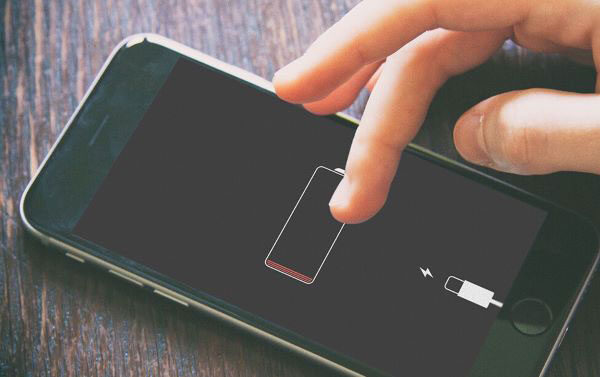
One of the worst mistakes people make is plugging in a wet phone. Charging introduces electricity directly into potentially wet circuits, increasing the risk of severe short circuits and battery damage. Modern smartphones often display “moisture detected” warnings specifically to prevent this problem. Ignoring those warnings can permanently destroy the charging system or motherboard.
Lithium-ion batteries become especially dangerous when exposed to water and electricity simultaneously. In rare cases, charging a wet phone may cause overheating, swelling, or even battery failure. This is why manufacturers strongly recommend waiting until the device is completely dry before reconnecting power.
Even wireless charging is risky because moisture inside the phone still interacts with active electrical components. If your device shows any signs of internal moisture, avoid all charging attempts until you are certain it has dried properly. Patience during this stage can mean the difference between a successful recovery and an expensive replacement.
Step-by-Step Drying Process
Wiping the Exterior Properly
Start the drying process by gently wiping the phone with a clean microfiber cloth or soft absorbent towel. Focus carefully on openings such as charging ports, speaker grills, microphones, and SIM tray areas. Avoid using rough fabrics or tissues that may leave fibers inside ports. The goal is to remove visible moisture without forcing liquid deeper into the phone.
Hold the phone upright whenever possible to encourage gravity-assisted drainage. If water entered through the bottom charging port, position the phone so moisture can naturally move downward instead of deeper into internal layers. Gentle tapping can help release trapped droplets, but aggressive shaking should still be avoided.
Take your time during this process. Rushing often leads to careless handling that spreads moisture further. Think of the phone like a soaked book — careful drying preserves it, while rough handling damages it further.
Using Silica Gel Packs for Better Drying
Silica gel packets provide one of the most effective home-based drying methods available. Place the phone inside an airtight container filled with multiple silica gel packs. These packets aggressively absorb moisture from the surrounding environment, helping dry internal components more efficiently than open air.
Leave the phone undisturbed inside the container for at least 24 to 48 hours. Some severe cases may require even longer drying periods. The temptation to check the phone every few hours is understandable, but repeated handling interrupts the drying environment and may reduce effectiveness.
If silica gel packets are unavailable, placing the phone in front of a fan in a cool, dry room is another safer alternative than using heat. Air circulation speeds up evaporation naturally without exposing sensitive components to dangerous temperatures.
How Long You Should Leave the Phone to Dry
Drying time depends heavily on the type of liquid exposure and the phone’s design. Minor splashes may only require a day of drying, while full submersion often requires 48 to 72 hours or more. Repair data from 2025 showed dramatically higher success rates when devices received treatment within the first 24 hours.
Patience becomes critical here. Turning on the phone too early can undo all your recovery efforts instantly. Even if the exterior appears dry, hidden moisture may still remain inside shielded motherboard areas. Waiting an extra day is far safer than risking irreversible short circuits.
Checking if Your Smartphone Still Works
Testing the Screen and Touch Function
After sufficient drying time, power on the phone carefully. Watch for abnormal behavior such as flickering displays, black spots, lines across the screen, or delayed touch response. Water damage often affects display connectors and touch digitizers before completely killing the screen.
Test multiple areas of the display slowly. Open apps, swipe across the screen, and type messages to check touch sensitivity. Some phones develop “ghost touch” issues after water exposure, where the screen reacts randomly without user input. If these problems appear, internal moisture or corrosion may still be affecting display circuits.
Camera testing is equally important. Foggy lenses or condensation inside camera modules indicate remaining moisture inside the device. This can worsen over time if ignored.
Checking the Speakers and Charging Port
Play audio to test speakers, microphones, and earpieces. Muffled or crackling sound may improve gradually as remaining moisture evaporates, but persistent distortion could indicate hardware damage. Charging ports should also be tested carefully using official charging cables only.
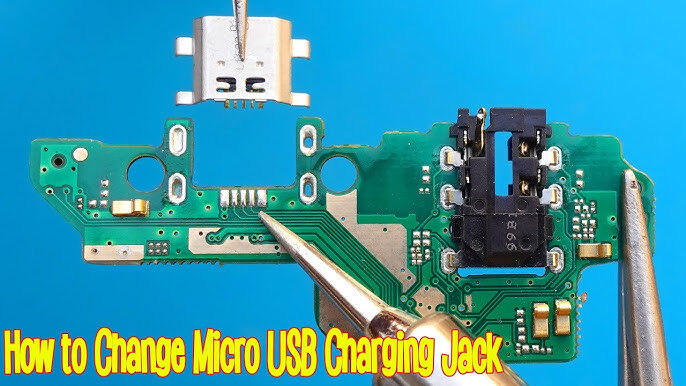
If the phone charges inconsistently or displays moisture warnings repeatedly, stop charging immediately and continue drying. Some devices may require professional cleaning because corrosion inside the charging port prevents proper electrical contact.
Pay attention to unusual heat during charging or normal use. Overheating after water exposure can indicate hidden motherboard damage or battery problems. Backup important data immediately if the phone functions but shows unstable behavior.
When to Seek Professional Repair
Signs of Internal Corrosion
Some water damage situations simply require professional help. If the phone refuses to turn on after proper drying, overheats excessively, or shows severe display issues, internal corrosion may already be spreading. Corrosion behaves like rust inside the phone, slowly destroying metal pathways and connectors over time.
Technicians use ultrasonic cleaning machines, microscopes, and specialized tools to remove corrosion and inspect damaged circuits. Attempting advanced repairs without experience can easily make things worse. Think of motherboard repair like heart surgery for electronics — precision matters enormously.
Professional cleaning becomes especially important after exposure to salt water, chlorinated water, sugary drinks, or dirty liquids. These substances leave residue that home drying methods cannot remove effectively.
Cost of Water Damage Repairs in 2026
Repair costs vary widely depending on the type of damage and smartphone model. Minor cleaning and charging port repairs may cost relatively little, while motherboard replacement or display repair can become expensive. Industry reports show that modern flagship smartphones often cost significantly more to repair due to advanced components and sealed designs.
Here is a simple comparison table for common repair costs in 2026:
| Repair Type | Estimated Cost Range |
|---|---|
| Charging Port Cleaning | R200 – 500 |
| Speaker Replacement | R150 – R450 |
| Battery Replacement | R300 – R1200 |
| Screen Replacement | R550 – R1700 |
| Motherboard Repair | R600– R2000 |
Repair shops may also warn that water resistance cannot always be guaranteed after repairs. Even officially repaired phones may lose part of their original waterproof protection because seals degrade over time.
Preventing Future Water Damage
Best Waterproof Cases for Smartphones
The easiest repair is the one you never need. Waterproof and shockproof cases provide valuable protection for people who work outdoors, travel frequently, or spend time near water. A good waterproof case acts like armor for your phone, reducing the risk of accidental exposure.
Look for cases with certified waterproof ratings and sealed charging port covers. Cheap low-quality cases often fail under real-world conditions, so investing in trusted brands is worthwhile. If you regularly visit beaches or swimming pools, waterproof pouches provide extra security during outdoor activities.
Protective habits matter just as much as protective accessories. Avoid placing phones near sinks, bathtubs, or pool edges. Many accidents happen simply because users underestimate how slippery smartphones become around water.
Understanding IP67 and IP68 Ratings
Modern flagship phones often advertise IP67 or IP68 water resistance ratings. These ratings create confusion because many consumers mistakenly believe they mean “waterproof.” In reality, these certifications only indicate resistance under controlled laboratory conditions.
IP67 usually means protection against temporary immersion in shallow fresh water, while IP68 generally allows deeper water exposure for limited periods. However, real-world conditions differ dramatically from laboratory tests. Salt water, soap, pool chemicals, drops, cracks, and aging seals all reduce effectiveness.
Water resistance also weakens naturally over time. Adhesives and seals deteriorate with age, heat exposure, and previous repairs. A three-year-old IP68 phone may no longer provide the same protection it offered when brand new. Treat water resistance as emergency protection rather than permission to use your phone underwater casually.
Conclusion
A water damaged smartphone is stressful, but quick and smart action dramatically improves recovery chances. The most important steps are removing the phone from water immediately, powering it off, avoiding charging, and allowing sufficient drying time before testing. Small mistakes such as turning the phone on too early or blasting it with heat can permanently destroy components that might otherwise have survived.
Modern smartphones may advertise water resistance, but no device is completely invincible against liquid exposure. Understanding the limits of IP ratings, using proper protection, and acting quickly during accidents can save you hundreds of dollars in repair costs. Professional repair shops remain the best option for severe water damage, especially when corrosion or motherboard issues develop.
Your smartphone stores photos, memories, work files, conversations, and important personal information. Treating water accidents seriously from the very first minute gives you the best possible chance of saving both your device and your data.
FAQs
1. Can a water damaged phone work normally again?
Yes, many water damaged phones recover fully if treated quickly and dried properly. Success depends on how long the phone was exposed to water and whether corrosion developed internally.
2. Is rice good for drying wet smartphones?
Rice can absorb some moisture, but silica gel packets are much more effective. Rice also leaves dust and particles inside ports, which may create additional problems.
3. How long should I wait before turning on a wet phone?
Wait at least 24 to 48 hours after drying. Severe water exposure may require 72 hours or more before safely powering on the device.
4. Does IP68 mean a phone is waterproof?
No. IP68 means the phone is water resistant under controlled test conditions. Real-world exposure to salt water, pool chemicals, or physical damage can still allow water inside.
5. Can water damage appear days later?
Yes. Corrosion can continue spreading inside the phone after exposure, causing delayed problems such as charging failure, speaker issues, or network signal loss days or weeks later.