Introduction
Smartphones are our lifelines—used for communication, work, entertainment, and even banking. But like any device, they wear down over time. Many users ignore early warning signs, only to face costly repairs later. Recognizing when your phone needs professional repair can save you money and prevent permanent damage.
Below are 10 critical signs that indicate it’s time to seek expert help.
1. Battery Drains Too Quickly
If your phone barely lasts a few hours despite light use, the battery may be failing. While software updates can sometimes improve efficiency, a consistently weak battery often requires replacement. Ignoring this can lead to sudden shutdowns or swelling, which may damage internal components.
2. Phone Overheats Frequently
Occasional warmth is normal, but constant overheating signals deeper issues. It could be a failing battery, blocked ventilation, or even malware overloading the processor. Persistent heat can shorten your phone’s lifespan and even pose safety risks.
3. Screen Cracks or Malfunctions
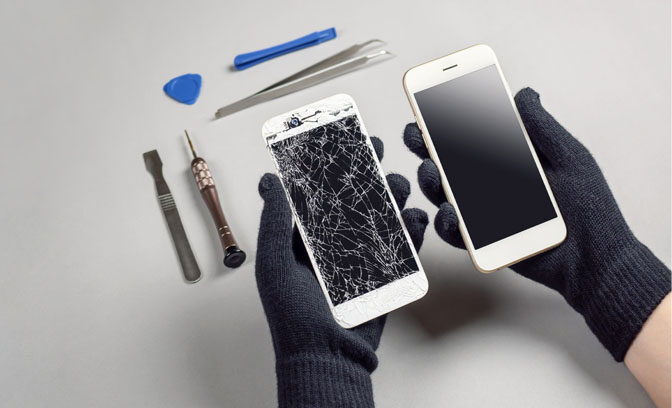
A cracked screen isn’t just cosmetic—it can affect touch sensitivity and expose internal parts to dust or moisture. If your display flickers, shows dead pixels, or becomes unresponsive, professional repair is essential.
4. Charging Port Issues
If your phone only charges at certain angles or doesn’t charge at all, the port may be damaged. Dust buildup, bent pins, or wear from constant use can cause this. DIY fixes often worsen the problem, so a technician should handle it.
5. Unusual Noises or Vibrations
Buzzing, clicking, or excessive vibration can indicate hardware failure. Speakers, microphones, or internal circuits may be malfunctioning. These issues rarely resolve on their own and need expert diagnosis.
6. Software Crashes Constantly
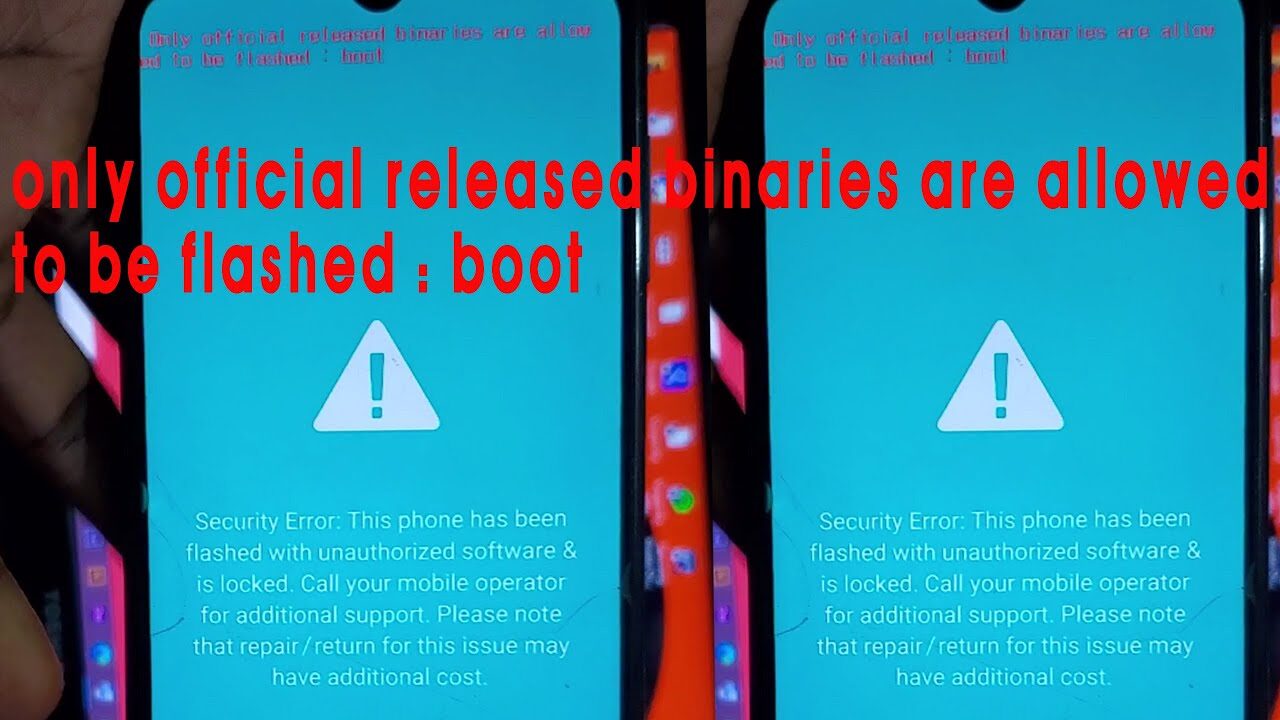
Frequent app crashes, random reboots, or frozen screens may point to corrupted software or failing hardware. While a factory reset can help, recurring problems often require professional repair to replace faulty components.
7. Camera Stops Working Properly
Blurry images, black screens, or non-functioning flash are signs of camera module damage. Since cameras are delicate, professional repair ensures proper calibration and replacement.
8. Connectivity Problems
If your phone struggles to connect to Wi-Fi, Bluetooth, or mobile networks, the antenna or internal chips may be failing. Persistent connectivity issues can’t always be solved by resetting settings—they often require hardware repair.
9. Physical Damage Beyond Scratches
Bent frames, water damage, or swollen batteries are serious concerns. Even if the phone still works, hidden damage can worsen over time. Professional inspection prevents long-term risks.
10. Performance Slows Dramatically
Phones naturally slow down with age, but extreme lag, delayed responses, or apps taking minutes to load suggest failing hardware. A technician can determine whether repairs or upgrades are possible.
Why Professional Repair Matters
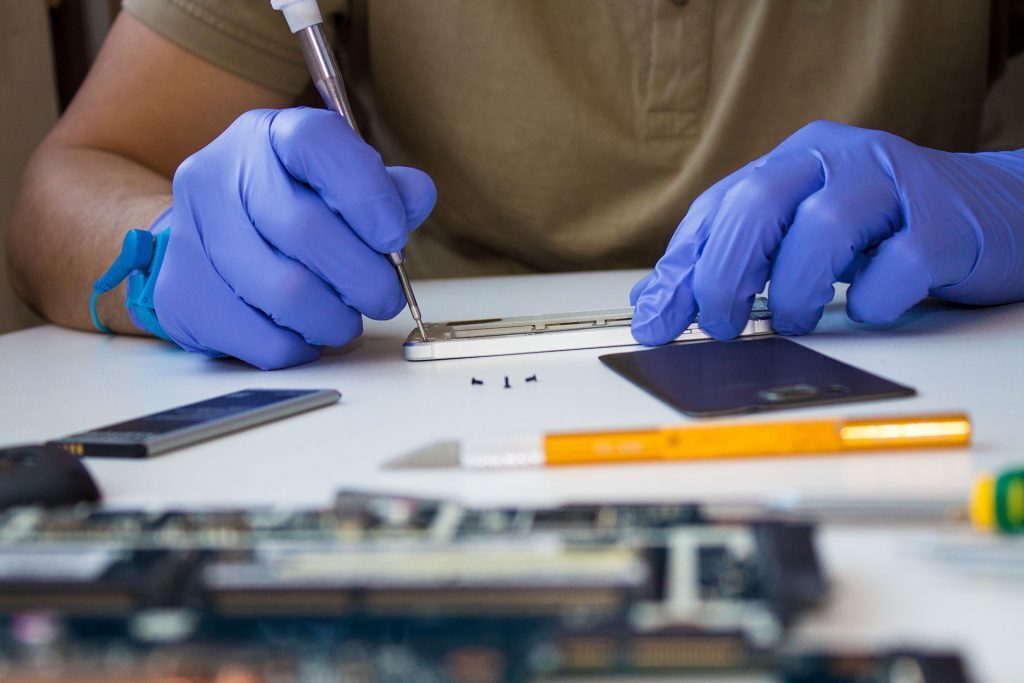
Attempting DIY fixes may seem tempting, but smartphones are complex. Certified technicians use specialized tools to diagnose issues accurately. Professional repair ensures:
- Safety: Prevents battery leaks or electrical hazards.
- Longevity: Extends device lifespan.
- Warranty Protection: Keeps manufacturer coverage intact.
- Data Security: Protects sensitive files during repair.
Preventive Tips
To reduce the need for repairs, adopt these habits:
- Use certified chargers to avoid battery damage.
- Update software regularly for security and performance.
- Avoid extreme temperatures to protect internal components.
- Clean charging ports gently to prevent dust buildup.
- Use protective cases to minimize physical damage.
Conclusion
Recognizing the signs that your phone needs professional repair can save you from costly replacements. Whether it’s a failing battery, cracked screen, or overheating issue, timely intervention ensures your device remains reliable. Don’t ignore these warnings—your smartphone is too valuable to risk.
📌 Frequently Asked Questions (FAQ)
How do I know if my phone needs repair?
If your phone shows signs like fast battery drain, overheating, cracked screen, or constant software crashes, it’s time to seek professional help.
Can I fix my phone at home?
Minor issues like cleaning the charging port or restarting the device can be done at home. However, hardware problems such as battery replacement or screen repair should be handled by certified technicians.
Is it worth repairing an old phone?
If the cost of repair is less than half the price of a new phone, repairing is usually worthwhile. For very old models, upgrading may be more cost‑effective.
What happens if I ignore phone problems?
Ignoring issues can lead to permanent damage. For example, a swollen battery may damage internal components, and cracked screens can expose your phone to dust and moisture.
How much does professional phone repair cost?
Costs vary depending on the issue. Screen replacements are often the most expensive, while battery swaps and charging port repairs are more affordable.
Can overheating damage my phone permanently?
Yes. Persistent overheating can shorten battery life, damage processors, and even cause safety hazards. Professional repair is recommended if overheating occurs regularly.
Should I replace or repair my phone battery?
Batteries cannot be repaired—only replaced. If your phone shuts down unexpectedly or drains too quickly, a battery replacement is the best solution.
Does water damage always ruin a phone?
Not always. Quick action—like turning off the phone and seeking professional repair—can sometimes save it. However, untreated water damage often leads to corrosion.
Can software updates fix hardware problems?
No. Updates improve performance and security but cannot fix physical issues like broken screens or faulty batteries.
Where should I go for phone repair?
Always choose certified repair centers or authorized service providers. They use genuine parts and ensure warranty protection.