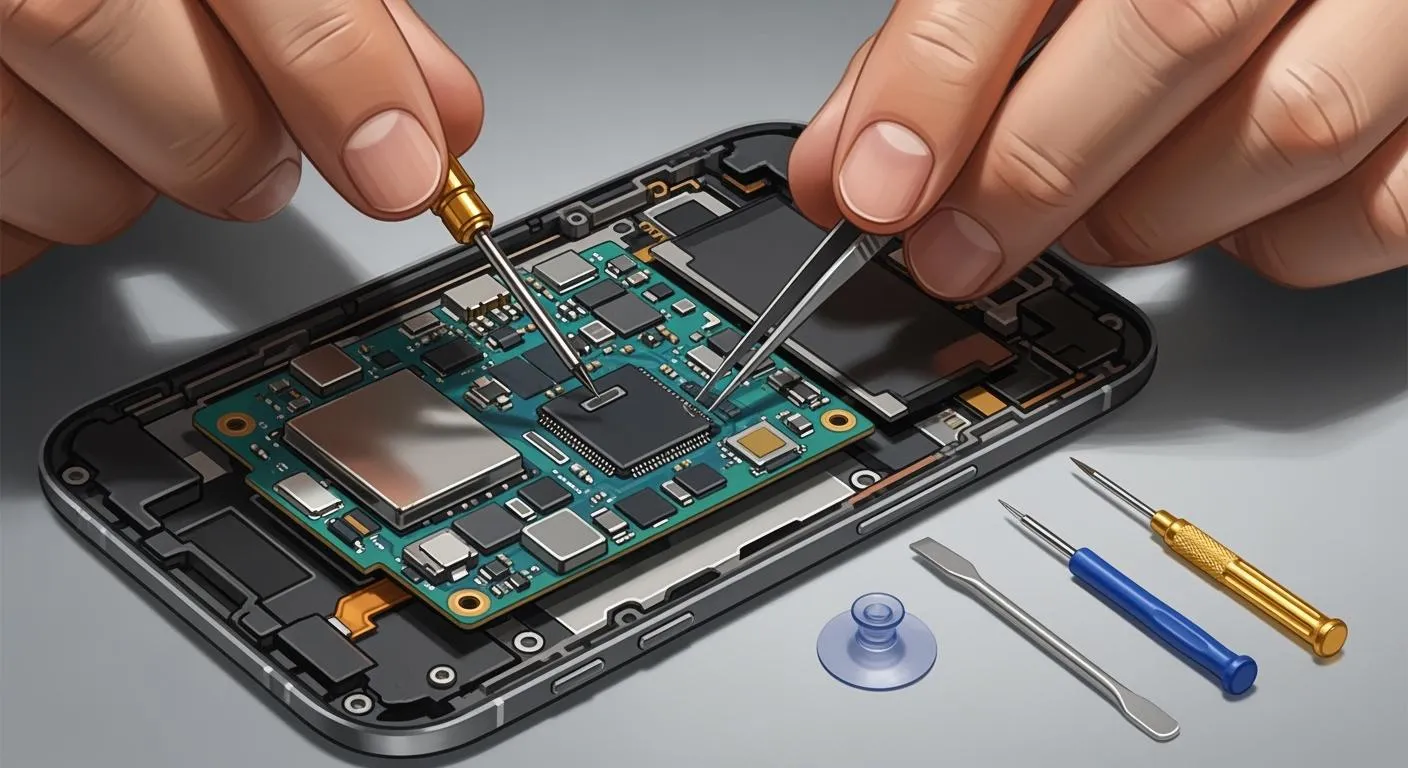
Smartphones have become part of everyday life. People use them for work, banking, gaming, communication, photography, and even controlling smart home devices. Because of this heavy usage, hardware problems are becoming more common every year. Recent repair industry reports show that screen damage, battery issues, charging failures, and motherboard faults remain the biggest reasons users visit repair shops in 2026.
The good news is that many mobile hardware issues can be fixed without replacing the entire device. Some problems need professional tools and microsoldering skills, while others can be solved with basic cleaning, proper diagnostics, or replacing inexpensive parts. Understanding how these hardware failures happen can save users money and help technicians build profitable repair businesses.
Why Mobile Hardware Problems Are Increasing in 2026
Smartphones today are thinner, more powerful, and more compact than ever before. While these modern designs look premium, they also create new hardware repair challenges. Manufacturers continue to pack powerful processors, larger batteries, advanced camera systems, and high-refresh-rate displays into slim bodies. This creates heat, stress, and tighter internal layouts that make devices harder to repair.
Industry reports show that the global smartphone repair market is growing rapidly because consumers now prefer repairing devices instead of replacing them. The repair market is expected to reach over USD 45 billion by 2035, driven mainly by battery and screen repairs. Repairability has also become a major topic in Europe and other regions where governments are encouraging manufacturers to provide spare parts and repair documentation.
Another major reason hardware failures are increasing is heavy usage. Many people spend more than 6 to 10 hours daily on smartphones. Gaming, fast charging, and overheating slowly damage components over time. Imagine driving a car at maximum speed every day without regular maintenance. Eventually, parts begin to fail. Smartphones work the same way.
At the same time, accidental damage continues to dominate repair shops worldwide. Cracked displays remain the most common hardware issue despite stronger Gorilla Glass protection. Phones are dropped, sat on, exposed to water, or charged with low-quality accessories. These small mistakes often lead to expensive repairs later.
Cracked or Broken Screens
Common Causes of Screen Damage
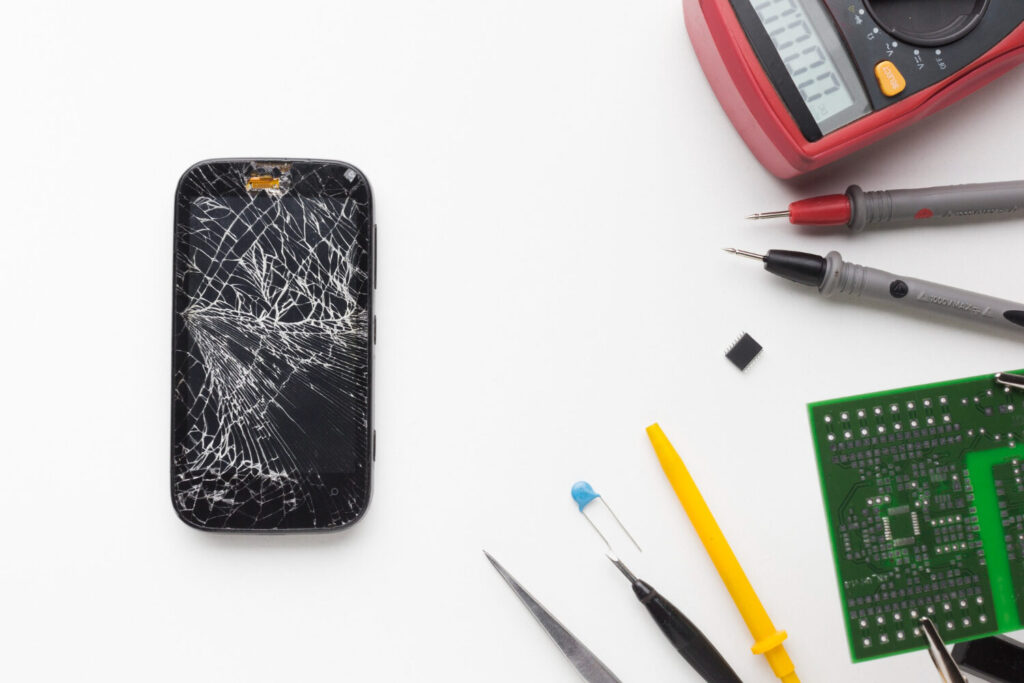
A cracked screen is probably the most common mobile hardware problem in the world. Almost every smartphone technician repairs broken displays daily. Even though manufacturers advertise stronger glass protection every year, displays still crack after drops or pressure damage. According to recent repair reports, screen repairs account for a huge percentage of all smartphone repair services globally.
Screen damage happens for several reasons. The first is accidental drops onto hard surfaces like concrete or tiles. The second is pressure damage caused by carrying phones in tight pockets or bags. Sometimes users sit on their devices, causing internal LCD or OLED cracks without damaging the outer glass. In many cases, touch functionality stops working completely after impact.
Modern OLED displays are expensive because the display and touch digitizer are often fused together. On flagship phones, replacing the display may cost nearly half the price of a new device. This is why many users delay repairs until the screen becomes unusable.
How to Fix a Broken Display
The proper repair depends on the type of damage. If only the outer glass is cracked but the OLED still works, technicians may perform glass-only refurbishment using laminating machines. This repair is cheaper but requires advanced equipment and experience.
If the LCD or OLED panel is damaged, the entire display assembly must usually be replaced. Technicians carefully heat the device to soften adhesive before removing the screen. After disconnecting the battery and display flex cables, a replacement screen is installed and tested.
Some phones also require programming tools to restore functions like True Tone, fingerprint sensors, or brightness calibration. Apple and Samsung devices are especially strict about component pairing.
Using quality screen protectors and shockproof cases dramatically reduces the risk of future damage. Think of a tempered glass protector like a helmet for your smartphone. It absorbs impact before the actual display suffers damage.
Battery Drain and Swollen Batteries
Signs of Battery Failure
Battery problems are another major reason users visit repair centers. Research shows that battery-related failures account for a large percentage of smartphone complaints. Over time, lithium-ion batteries lose their ability to hold charge efficiently.
Common symptoms include:
| Battery Problem | Common Symptoms |
|---|---|
| Fast Battery Drain | Phone dies quickly |
| Swollen Battery | Back cover lifting |
| Overheating | Device becomes hot during charging |
| Random Shutdowns | Phone powers off unexpectedly |
| Slow Charging | Battery percentage increases slowly |
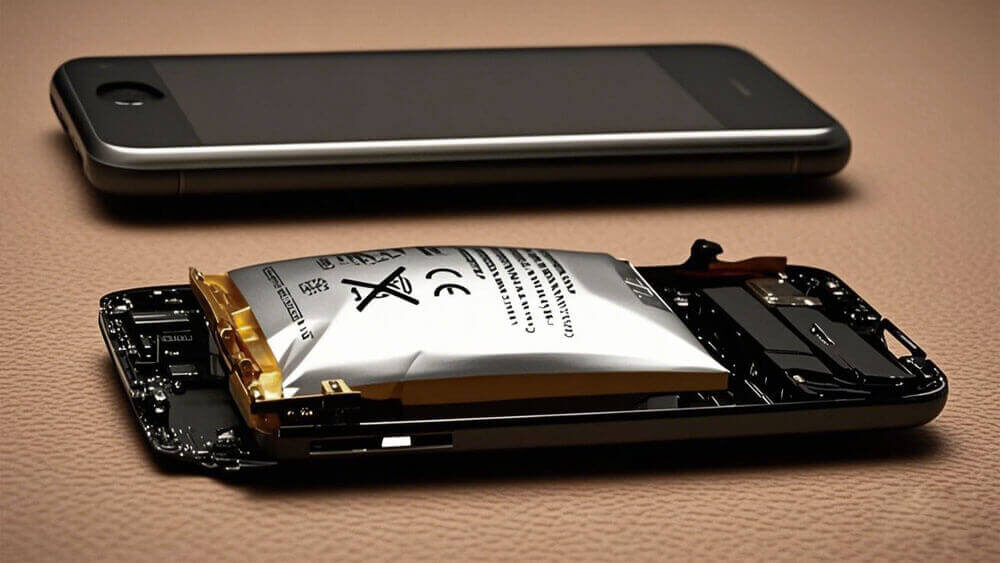
Swollen batteries are especially dangerous. A swollen battery may push against the screen or back cover, damaging internal components. In rare cases, defective batteries can overheat or catch fire. Historical cases like the Samsung Galaxy Note 7 battery failures showed how serious battery defects can become.
Safe Battery Replacement Methods
Professional battery replacement starts with proper diagnosis. Technicians use USB ammeters, thermal cameras, and battery health software to confirm whether the battery is faulty.
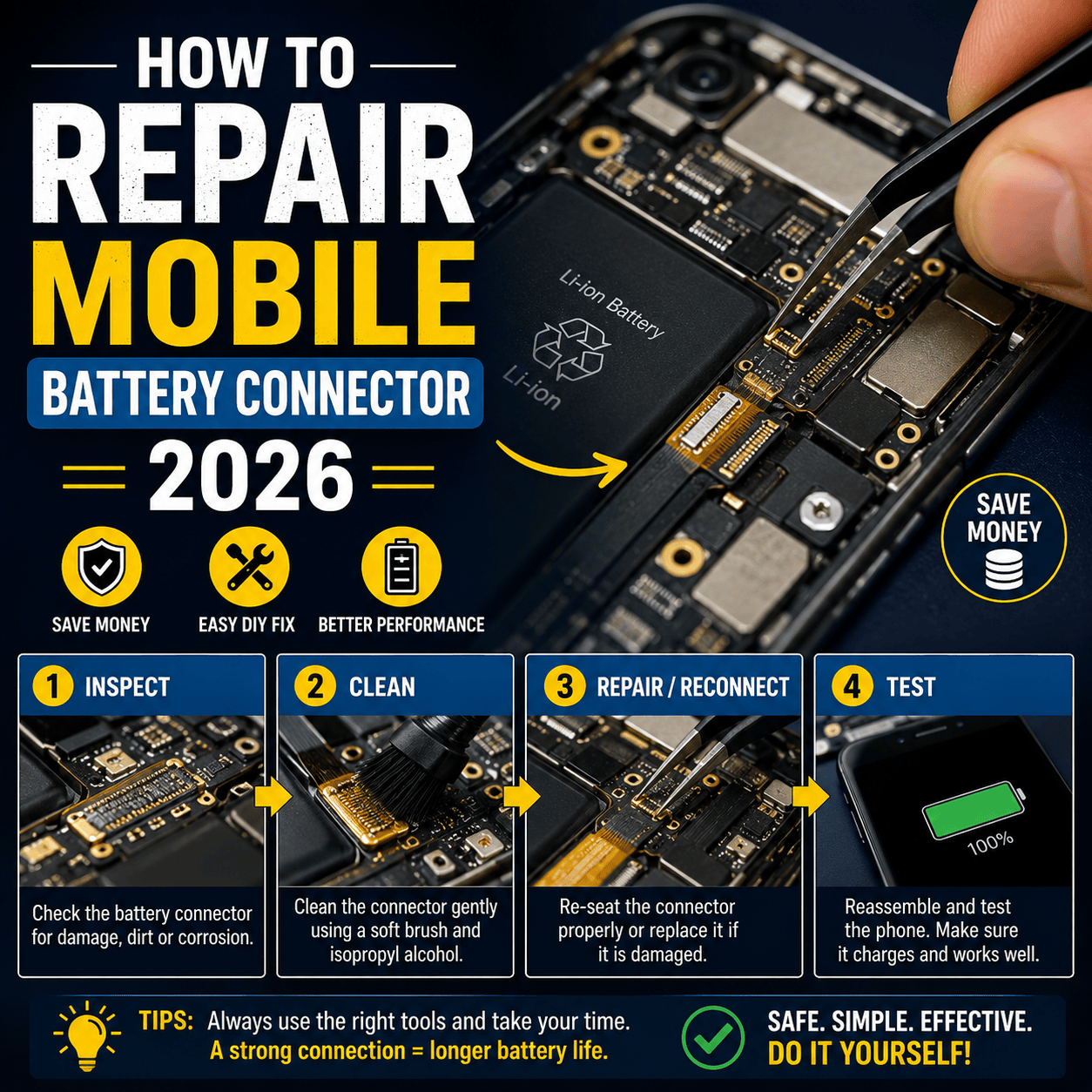
The repair process involves carefully opening the device and disconnecting the battery connector before removal. Modern smartphones use strong adhesive strips, so technicians often apply heat or alcohol to loosen the battery safely. Pulling too hard can puncture the battery and create dangerous smoke or fire.
Once the new battery is installed, technicians test charging current, battery cycles, and temperature behavior. Using original or high-quality replacement batteries is critical because cheap batteries may fail quickly or damage the motherboard.
Battery maintenance also matters. Avoid keeping phones at 0% or 100% charge for long periods. Fast charging generates heat, and heat is the biggest enemy of battery health.
Charging Port Problems
Dirty Charging Ports
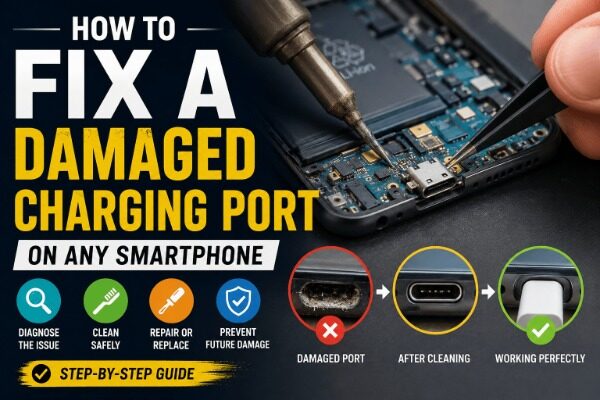
Charging problems are extremely common in repair shops. Many users assume their battery is faulty when the real issue is a dirty charging port. Dust, lint, and pocket debris slowly accumulate inside USB-C or Lightning ports, preventing proper contact with the charging cable.
A dirty charging port may cause:
- Slow charging
- Intermittent charging
- Accessory detection errors
- No charging at all
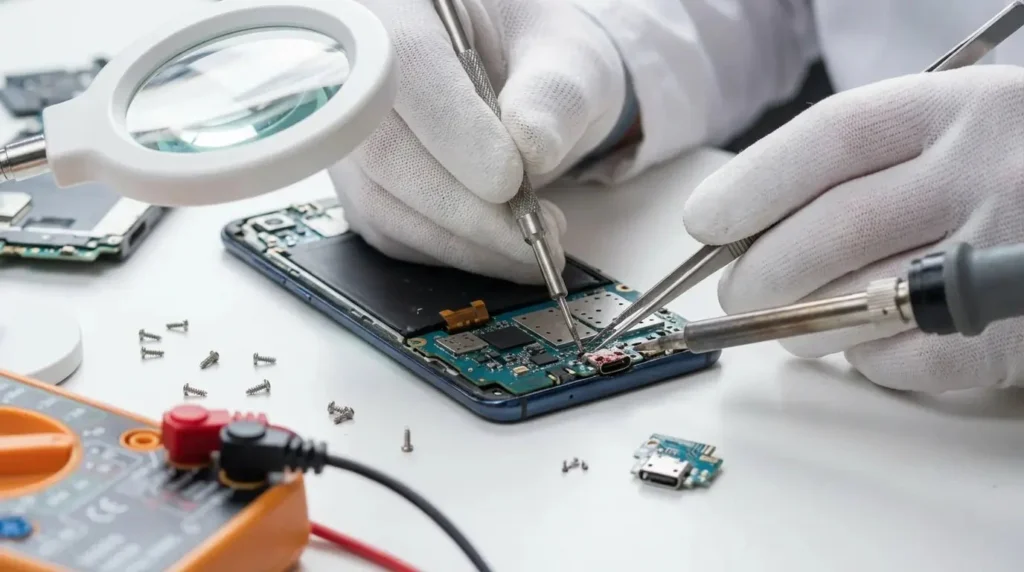
Technicians usually begin by inspecting the port under a microscope. Cleaning tools and anti-static brushes remove compacted debris safely. Many charging problems are fixed within minutes simply by cleaning the connector properly.
Damaged USB Connectors
If cleaning does not solve the issue, the charging port itself may be physically damaged. Frequent cable insertion weakens connector pins over time. Cheap chargers also contribute to port failures.
Replacing a charging port can be simple or difficult depending on the device. Some phones have separate charging sub-boards, making repairs easier and cheaper. Others require microsoldering directly on the motherboard.
Water damage also destroys charging ICs and USB lines. In these cases, technicians use schematic diagrams and DC power supplies to trace short circuits and damaged components.
Water Damage in Smartphones
Early Symptoms of Liquid Damage
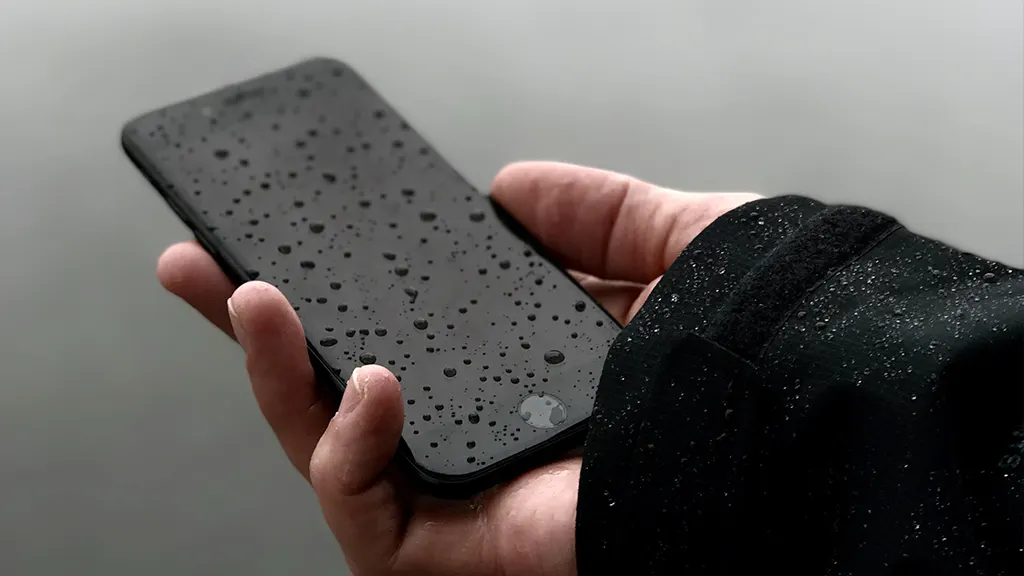
Water damage remains one of the most dangerous smartphone problems because corrosion continues even after the device appears functional. A phone dropped in water may work temporarily before developing major failures days later.
Typical symptoms include:
| Water Damage Symptom | Possible Cause |
|---|---|
| No Power | Shorted motherboard |
| Fast Battery Drain | Corroded power circuits |
| No Audio | Damaged audio IC |
| Touch Failure | Corroded display connector |
| Camera Fog | Moisture trapped inside lens |
Despite water-resistant ratings, no smartphone is completely waterproof. Water resistance seals weaken with age, drops, and heat exposure.
Professional Repair Solutions
The biggest mistake users make is charging a wet phone. Electricity combined with liquid creates short circuits instantly. Instead, the device should be powered off immediately.
Professional repair involves disassembling the phone completely and cleaning the motherboard with ultrasonic cleaning machines using specialized solvents. Technicians inspect components under microscopes for corrosion damage and replace faulty ICs or connectors.
Rice is not a professional solution. While many people still believe in putting phones in rice, this method does not remove corrosion from inside the motherboard.
Overheating Problems
Hardware Causes of Heat
Overheating is becoming more common because modern smartphones contain powerful processors designed for gaming, AI features, and 4K video editing. Heavy processing generates significant heat inside compact spaces.
Hardware-related overheating causes include:
- Faulty batteries
- Power IC failures
- CPU overload
- Short circuits
- Poor thermal paste contact
Phones that become excessively hot during charging often have charging IC or battery issues. Overheating may also indicate motherboard damage after drops or liquid exposure.
Cooling and Repair Techniques
Technicians diagnose overheating using thermal cameras and freeze spray techniques. Hot components become visible quickly when current flows through the board.
Repairs depend on the root cause. Replacing faulty batteries, charging ICs, or shorted capacitors usually solves severe overheating problems. Some gaming phones also require replacing degraded thermal pads or cooling systems.
Users can reduce overheating by avoiding heavy gaming during charging and keeping devices away from direct sunlight.
Speaker and Microphone Failures
Audio Distortion Issues
Dust and liquid damage are the main reasons smartphone speakers stop working properly. Symptoms include muffled sound, crackling audio, or complete speaker failure.
Microphones may also fail due to blocked mesh filters or damaged audio circuits. Many users notice microphone issues during calls or voice recordings.
Replacing Faulty Audio Components
Technicians first clean speaker grills using brushes and compressed air. If audio remains distorted, replacement speakers or microphones are installed.
Some audio issues involve motherboard-level audio IC failures requiring microsoldering. This is especially common after water damage or power surges.
Camera Hardware Problems
Blurry or Shaking Cameras
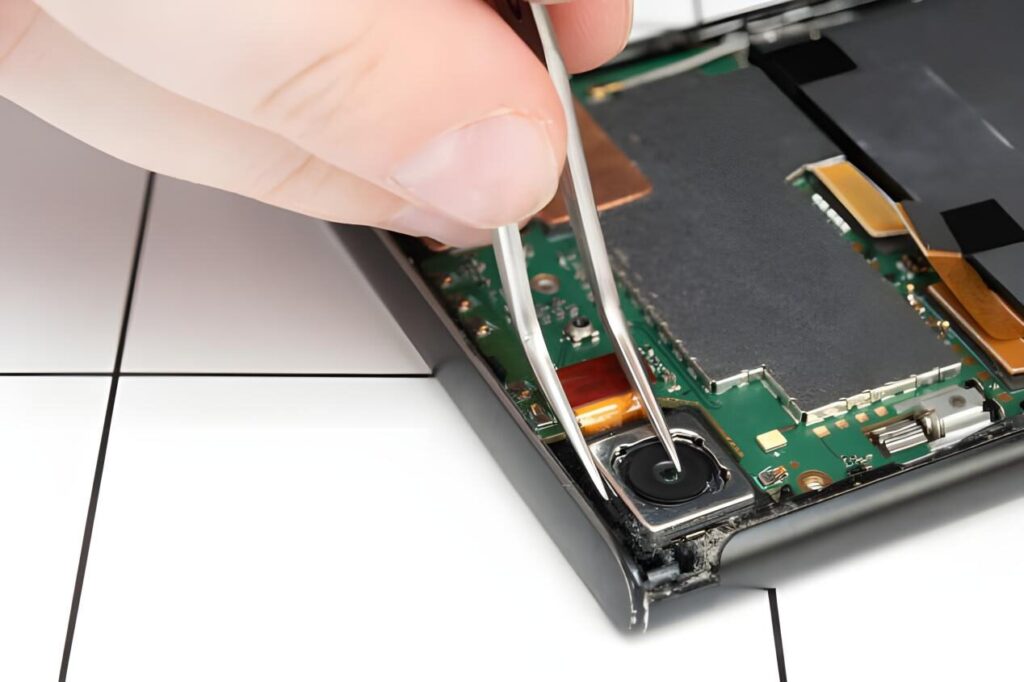
Modern smartphone cameras use optical image stabilization systems containing tiny moving parts. Drops often damage these mechanisms, causing shaking or blurry images.
Dust inside camera lenses also affects image quality. Some users hear clicking noises from damaged autofocus motors.
Camera Module Replacement
Repair technicians replace damaged camera modules carefully because camera alignment affects image quality. High-end flagship phones may contain multiple rear cameras connected through delicate flex cables.
Original camera parts provide the best image processing compatibility. Cheap replacement cameras often reduce image quality significantly.
Motherboard and IC Failures
Power IC Problems
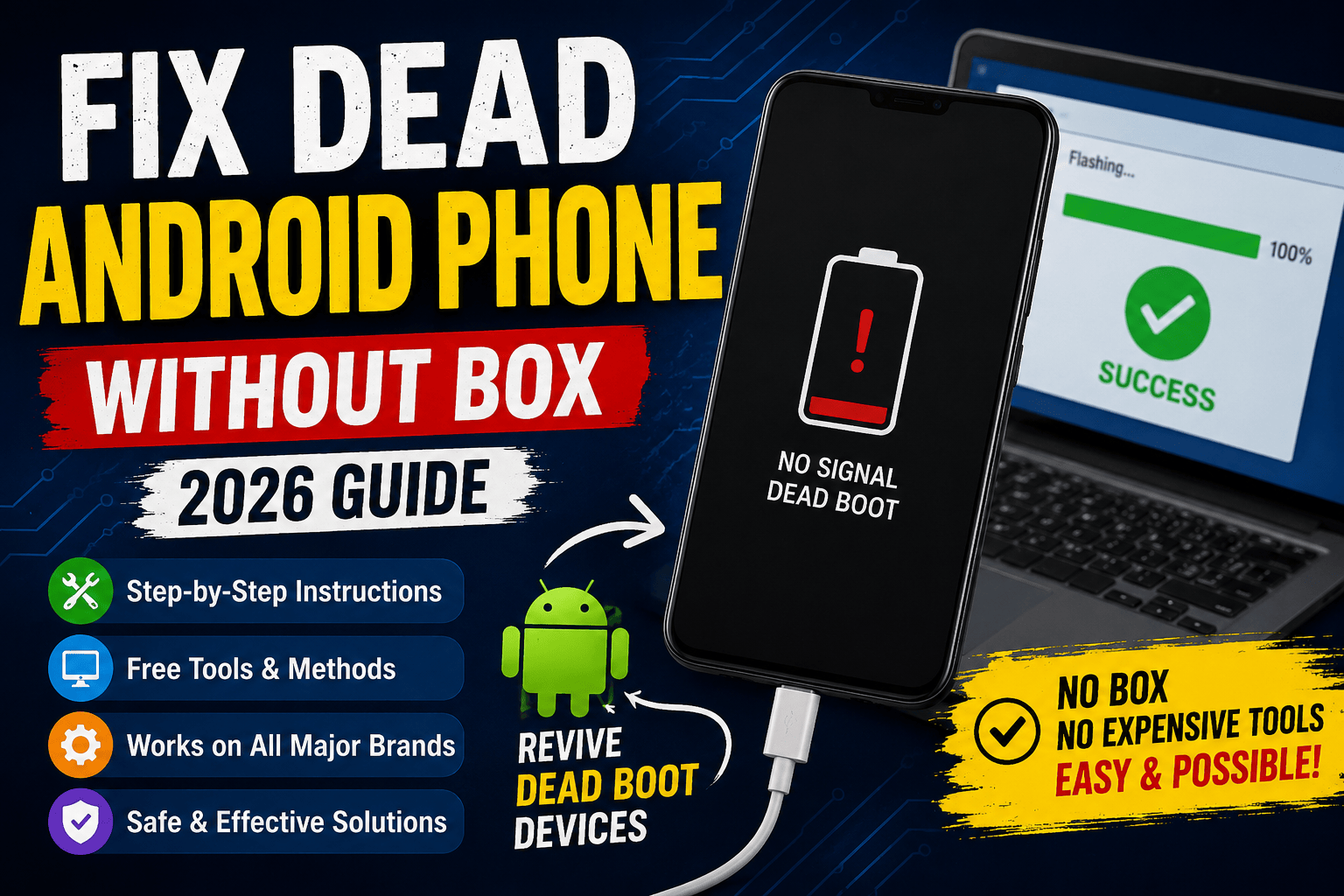
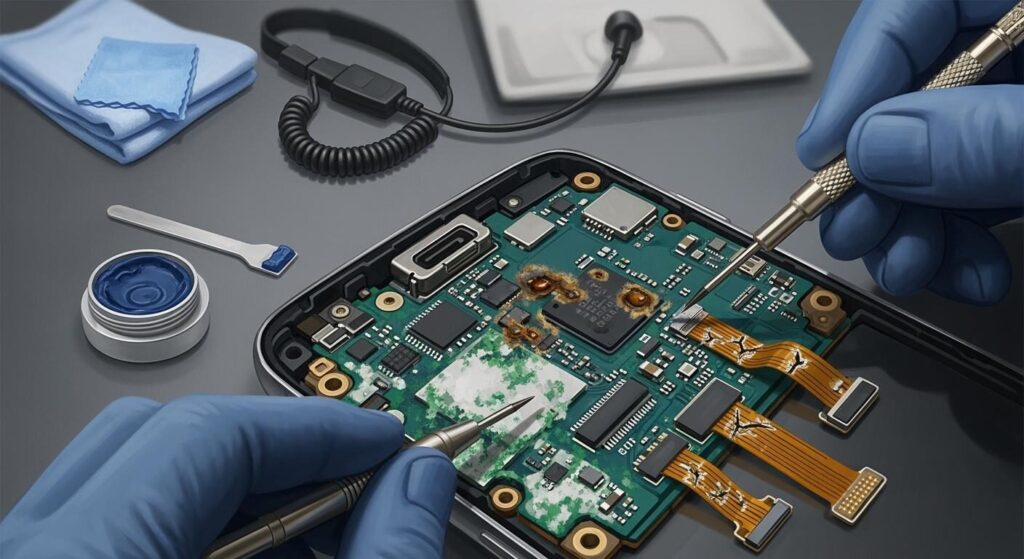
Motherboard repairs are among the most advanced smartphone repair procedures. Power IC failures often prevent devices from turning on or charging correctly.
A damaged power IC may cause:
- Dead phone
- Boot loops
- Excessive heat
- Charging failure
Some famous devices experienced motherboard design flaws causing boot loop problems due to loose solder connections. LG officially acknowledged such failures in older flagship models.
CPU and Memory Faults
CPU and NAND storage failures are even more serious. These chips control the phone’s operating system and data storage. Repairing them requires advanced BGA rework stations and microsoldering expertise.
Motherboard repair is like performing surgery on a tiny electronic city. One wrong move can destroy critical data permanently.
Face ID and Fingerprint Sensor Issues

Hardware Authentication Errors
Biometric systems are highly sensitive. Damaged fingerprint flex cables or Face ID sensors often stop working after screen repairs or drops.
Apple devices are especially strict about component pairing. Replacing certain sensors without proper programming tools disables functionality.
Repair Challenges
Technicians must preserve original sensor components whenever possible. In many cases, transferring original flex cables restores biometric functions successfully.
Microsoldering is often required for damaged Face ID dot projector circuits.
SIM Network and Signal Problems
Antenna Damage
Weak network signals may result from damaged antennas after drops or poor-quality housing replacements. Bent frames also affect antenna performance.
Baseband IC Repairs
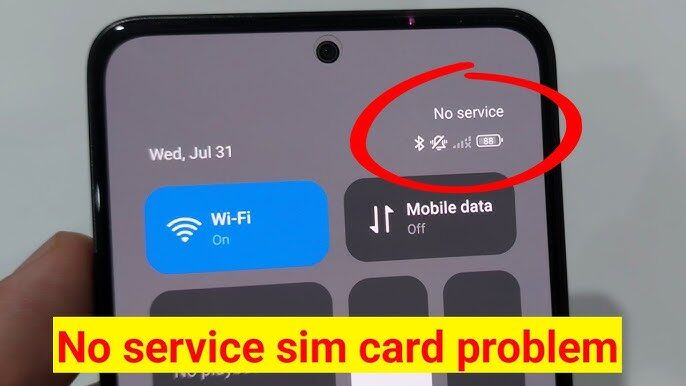
If the phone shows “No Service” continuously, the baseband IC may be damaged. This motherboard-level repair requires advanced soldering equipment and diagnostic tools.
How Technicians Diagnose Mobile Hardware Problems
Professional diagnosis is the most important step in repair. Experienced technicians rarely replace parts randomly. Instead, they follow systematic troubleshooting methods using:
| Diagnostic Tool | Purpose |
|---|---|
| DC Power Supply | Detect short circuits |
| Thermal Camera | Find overheating components |
| Microscope | Inspect board damage |
| Multimeter | Measure voltage and continuity |
| USB Ammeter | Analyze charging current |
Good diagnosis saves time, money, and prevents unnecessary repairs.
Essential Tools for Mobile Hardware Repair
Every serious technician needs reliable repair tools. Essential hardware repair tools include:
- Precision screwdrivers
- Hot air stations
- Microsoldering irons
- UV glue machines
- Screen separators
- Tweezers
- Thermal cameras
- Multimeters
High-quality tools improve repair success rates and reduce accidental damage during repairs.
Tips to Prevent Smartphone Hardware Damage
Prevention is always cheaper than repair. Users can extend smartphone lifespan by following simple habits.
Avoid exposing phones to water or excessive heat. Use original chargers whenever possible. Install protective cases and tempered glass protectors. Clean charging ports regularly and avoid overnight charging every day.
Most importantly, back up important data frequently. Hardware failures sometimes happen without warning.
Conclusion
Mobile hardware problems continue to grow as smartphones become thinner, faster, and more complex. Cracked displays, battery failures, charging problems, water damage, overheating, and motherboard faults remain the most common repair issues in 2026. Repair industry reports show that consumers increasingly prefer repairing devices instead of buying new ones because repair costs are often far lower than replacement costs.
Understanding how these hardware failures happen helps both users and technicians make smarter decisions. Some repairs are simple enough for basic maintenance, while others require advanced microsoldering and professional diagnostic equipment.
Smartphones are like miniature computers living in our pockets every day. They experience heat, drops, pressure, moisture, and constant charging cycles. Taking care of them properly can significantly reduce repair costs and extend device lifespan for years.
FAQs
1. What is the most common smartphone hardware problem?
The most common smartphone hardware problem is a cracked or broken screen. Screen repairs remain the largest category of phone repairs worldwide.
2. Can water-damaged phones be repaired?
Yes, many water-damaged phones can be repaired if treated quickly. Professional cleaning and motherboard repair improve the chances of recovery.
3. Why does my phone overheat while charging?
Overheating during charging may result from faulty batteries, damaged charging ICs, cheap chargers, or motherboard short circuits.
4. Is it safe to replace smartphone batteries?
Battery replacement is safe when performed correctly using quality replacement parts and proper repair procedures.
5. What tools are needed for mobile hardware repair?
Basic tools include screwdrivers, hot air stations, microscopes, multimeters, and soldering equipment for advanced repairs.